Member-only story
How to run local or remote GUI apps in MacOS through SSH X fordwarding
(Including Apple Silicon)

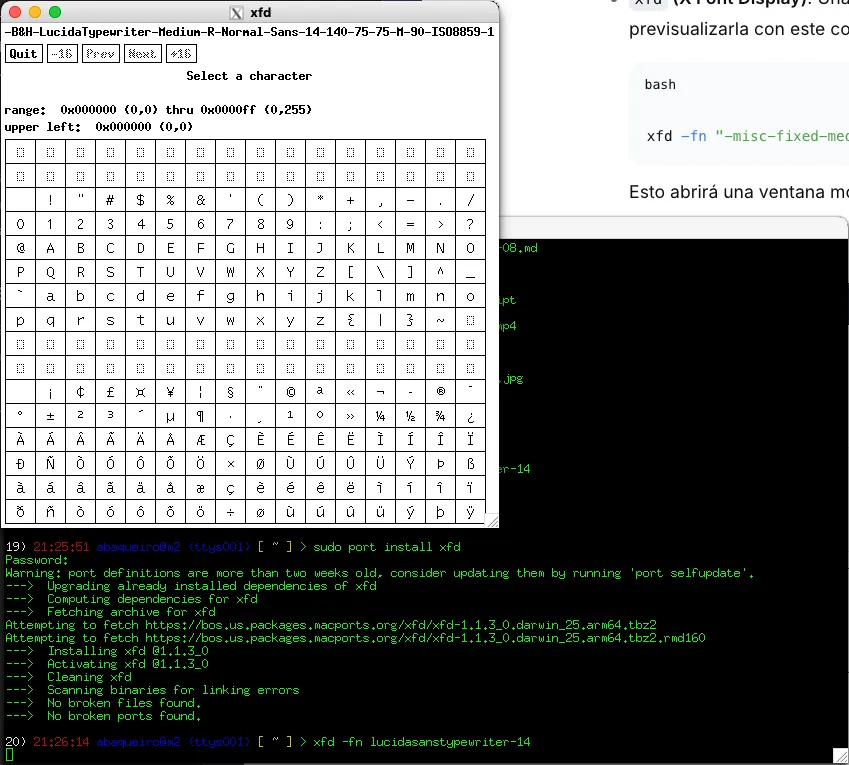
For the last to work, you first need to run an xorg-server in your Mac.
I use macports as my package manager in MacOS. To install an xorg-server
sudo port install xorg-serverIt should be similar if you use the popular homebrew, but I recommend macports over brew, you have more order where the applications are installed in /opt instead of get spread to the whole filesystem.
Once installed, a new application X11 in the Mac Launcher will appear (you need to run first before running any x11 based app.
This is also useful if you have a lan or remote linux or UNIX computer and you want to run GUI apps using the display and keyboard mouse input in your mac:

As not expected I get an “Invalid MIT-MAGIC-COOKIE-1 key” error, let me try to fix this to complete this answer.
The “Invalid MIT-MAGIC-COOKIE-1 key” error occurs when an X11 client attempts to connect to a display server but lacks the correct authorization cookie stored in the ~/.Xauthority file. This…