Give VS Code commands your own short names

Someone coming from Emacs, in a 2018 feature request, describes a habit many of us have: you learn a command by one name over years, and then another tool calls it something else. Their example: Emacs’s diff-buffer-with-file is Compare active file with saved in VS Code. They ask for a way to define an alias, so the command can be called by both names, or by an abbreviation like tt. The issue has 34 👍 and is still open.
There’s no alias setting. But there are two ways to get close.
Option 1: skip the palette with a keybinding
If the command is one you use constantly, give it a key. In Preferences: Open Keyboard Shortcuts (JSON):
{ "key": "ctrl+alt+d", "command": "workbench.files.action.compareWithSaved" }No name involved. The keybindings docs cover when clauses and chords like Ctrl+K Ctrl+C. To see every command ID, run Preferences: Open Default Keyboard Shortcuts (JSON).
Option 2: wrap the command in a command with your name
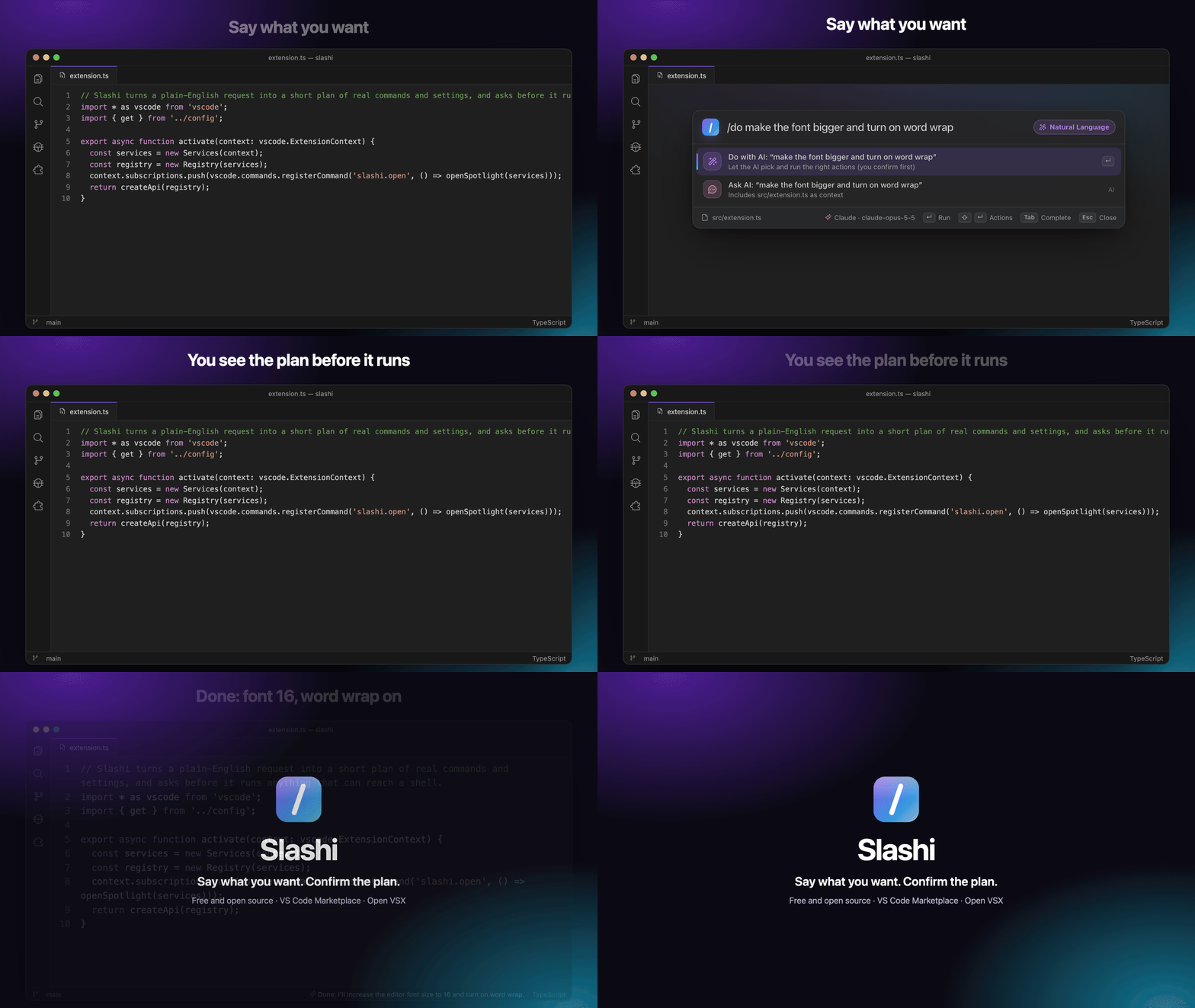
I maintain Slashi, a free VS Code extension with a popup where you type / followed by a name. It lets you define a command whose only step is a VS Code command, which makes it an alias. In your user settings (or .vscode/slashi.json to share it with a team):
// settings.json
"slashi.customCommands": [
  { "name": "diff", "title": "diff-buffer-with-file", "steps": [{ "command": "workbench.files.action.compareWithSaved" }] }
]
Now /diff in the popup runs Compare with Saved, and so does typing diff-buffer because the title is searchable. The same pattern gives you short names for anything: /tt for a test task, /zz for toggling Zen mode.
Get Alex’s stories in your inbox
Join Medium for free to get updates from this writer.
Slashi also comes with short names built in for about 170 VS Code commands (that number is from its README), such as /format, /commit and /new, so you may not need to define many.
For a quicker way to make one, the /new-command wizard asks for a name and steps and saves the result to your settings, with no JSON to write.
What an alias like this can’t do
- It doesn’t appear in VS Code’s own Command Palette. The issue asks for aliases in the palette itself. This gives you aliases in a different popup, which is only the same thing if you’re willing to use that popup.
- You need to know the command ID. The default keybindings file lists many, but there’s no list of “what Emacs calls this”.
- Each alias is a definition. Ten aliases means ten entries.
Takeaway
If you have a habit from another editor, a keybinding is the lightest fix and needs nothing extra. If you’d rather type a name, give it one in a custom command. Neither is the palette alias the issue asks for, and the issue is still the place to ask for that.
I’m the author of Slashi. It’s free and MIT-licensed: Marketplace · Open VSX · GitHub.