How to Build a Custom Web Crawler That Survives Real Sites


How to build a custom web crawler whose URL queue stays clean and whose recrawls fetch only the pages that changed.
You build a custom web crawler by getting two decisions right before anything else: which URLs are allowed into the queue, and when a page gets fetched again. Fetching is a solved problem. Scrapy, Crawlee and Colly all do it well, and a requests-plus-BeautifulSoup loop does it badly but fast. This guide on how to build a custom web crawler is organised around those two decisions, with Python code for the part that saves the most requests.
We work on web data extraction at APISCRAPY, so crawlers are what we think about all day. This piece is about building your own, though, and we’ll be straight about when that’s the right call.
What does a custom web crawler actually need?
Five parts, roughly in the order they break: the frontier (URLs waiting to be fetched), the seen-set (URLs already handled), the fetcher, the parser, and a scheduler for revisits. Storage sits next to all of them.
Before you build any of it, answer four questions on paper. Which hosts are in scope? What does a page you want look like? How fresh does the data need to be? How many pages are out there?
The answers pull the design in opposite directions. Tracking prices on 40 shops every morning means almost no discovery and a sharp revisit schedule. Archiving a government portal once means heavy discovery, strict dedupe and zero revisits. Try to serve both and you get a crawler that’s mediocre at each.
Scope is also where legal risk gets decided. Public pages only, no logins, no personal data without a clear basis, and a read of each site’s terms before the first request goes out.
How to build a custom web crawler, step by step

- Start from a framework. In Python that means Scrapy, which already has a scheduler, a duplicate filter, robots.txt support (ROBOTSTXT_OBEY) and AutoThrottle. Go custom with httpx and asyncio only when the frontier has to live somewhere Scrapy won’t put it, like a Postgres table several workers share. Node has Crawlee; Go has Colly.
- Seed from the sitemap. Most sites publish one, often linked from robots.txt, and entries can carry a lastmod date. You get a URL list on day one and a free change signal for later.
- Clean URLs before they’re queued. Normalize, then apply hard caps. The next section has the code.
- Run one queue per host. A shared queue lets one slow site hold up every other. Separate queues mean separate rate limits and a fetcher that always has something to do.
- Save the raw response. Keep compressed HTML with URL, status, headers and timestamp. Parsers break every time a site redesigns, and re-parsing from disk beats re-crawling.
- Watch the numbers per host. Status codes, response times, bytes, URLs found versus URLs dropped. A spike in dropped URLs points to a trap. A spike in 403s or 429s means slow down.
One place we part ways with common advice: don’t render every page in a headless browser “to be safe.” A browser fetch costs far more memory and CPU than a plain HTTP request, it’s slower, and most pages on most sites don’t need it. Start with plain requests and add rendering per page type, only where you’ve confirmed the content isn’t in the HTML or an API response.
Why does my crawler keep fetching the same pages?
One page, many addresses. Add a ?utm_source=newsletter tag, a #reviews fragment, a session ID, or swap ?sort=price&color=red for ?color=red&sort=price, and a simple seen-set treats each as a brand-new page.
Worse are the URL generators. A calendar with a “next month” link never runs out of months. Faceted filters turn every mix of size, color and brand into its own address. Broken relative links add a path segment on every hop. The symptom is easy to spot once you look for it: the queue keeps growing while the number of new, useful pages flattens out.
Two layers fix this. Normalization comes first:
from urllib.parse import urlsplit, urlunsplit, parse_qsl, urlencode
DROP = {“fbclid”, “gclid”, “msclkid”, “sessionid”, “phpsessid”}
def normalize(url: str) -> str:
p = urlsplit(url)
scheme = p.scheme.lower()
host = (p.hostname or “”).lower()
if p.port and (scheme, p.port) not in ((“http”, 80), (“https”, 443)):
host = f”{host}:{p.port}”
query = sorted(
(k, v) for k, v in parse_qsl(p.query, keep_blank_values=True)
if not k.lower().startswith(“utm_”) and k.lower() not in DROP
)
return urlunsplit((scheme, host, p.path or “/”, urlencode(query), “”))
It lowercases scheme and host, drops default ports and fragments, sorts parameters and strips tracking tags. You’ll add site-specific rules over time. Where a page declares rel=”canonical”, trust it.
Get APISCRAPY’s stories in your inbox
Join Medium for free to get updates from this writer.
The second layer is blunt limits on what the frontier will accept: URL length, number of query parameters, path depth, and total pages per host. They look crude. They’re what saves you when a site invents a trap your rules haven’t seen.
For the seen-set, a plain Python set holds up into the low millions. Beyond that, use Redis or SQLite, or a Bloom filter if an occasional false “already seen” is acceptable.
How do you crawl a site without getting blocked?
Crawl like a guest. Most bans small crawlers run into are earned.
- Fetch and cache robots.txt per host, re-fetch it at least daily, and honor Crawl-delay. Use a parser that applies the longest matching rule, such as Protego (Scrapy’s default); Python’s built-in urllib.robotparser followed file order instead until a fix landed in 2026.
- Identify yourself with a User-Agent that includes a contact URL or email.
- One request at a time per host, about a second apart by default, slower when the server starts responding slowly.
- Back off on 429 and 503, and wait as long as Retry-After asks.
Our view: when a site blocks a polite crawler that says who it is, that’s a no. Rotating proxies and faking browsers to push past it swaps a data problem for a fight with someone’s ops team, and occasionally their legal team.
JavaScript-rendered pages cost more, so check before you render. The browser’s network tab often shows the page pulling its data from a JSON endpoint you can call directly. Save Playwright for the page types that leave you no choice.
How often should a crawler revisit a page?
About as often as the page changes. Three habits get you there.
Send conditional requests. Keep the ETag and Last-Modified headers from each response and return them as If-None-Match and If-Modified-Since next time. An unchanged page comes back as a bodiless 304 Not Modified, which is close to free for both sides. Test a sample first, since some servers mint a new ETag on every hit.
Hash what you extract, not the whole page. Raw HTML changes with every ad and timestamp; the price field doesn’t.
Let each URL earn its interval. Changed since last time? Visit sooner. Unchanged? Wait longer, inside bounds you choose, such as one hour to 30 days. Within a few cycles, busy product pages settle into daily checks and the About page drops to monthly.
Track your share of 304 responses in the first couple of weeks. If it’s high, your fixed schedule was fetching a lot of pages for nothing, and the adaptive one will show it.
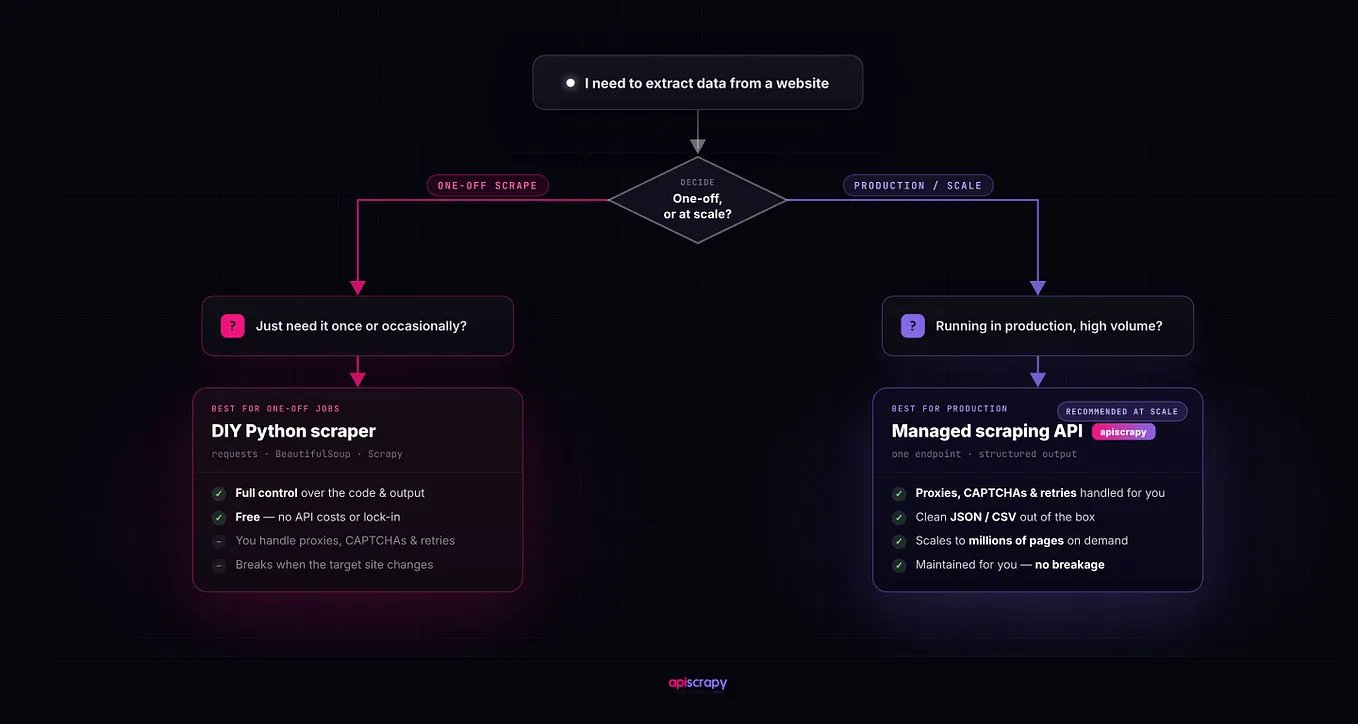
When is it time to stop building your own crawler?
When maintaining it eats the time meant for the data. If your team earns its keep cleaning, matching and analysing data, and sprint after sprint goes to blocked IPs and selectors broken by redesigns, the in-house crawler has become overhead.
A simple test: add up the engineering hours spent last quarter on keeping the crawler alive (fixing selectors, chasing blocks, babysitting failed runs) and compare that with the hours spent using the data. If the first number is bigger, the build isn’t paying for itself.
That’s the point where handing off collection makes sense, and it’s the work we do at APISCRAPY: we run the extraction, and your engineers keep the validation and downstream work that’s specific to your business. We’d still tell you to keep your own crawler when the crawl logic is your edge, or when the targets are internal or unusual enough that an outside service won’t handle them well.
FAQ
- Is it legal to build a web crawler? Writing one, yes. Running one depends on what you collect, which jurisdictions apply and each site’s terms, and personal data pulls in privacy law. Treat this as general information and get counsel to review commercial crawls.
- Is a web crawler the same as a web scraper? No. A crawler finds and fetches pages by following links; a scraper extracts specific fields from them. Most projects use both, so the terms blur.
- Scrapy or a crawler written from scratch? Scrapy first, or Crawlee or Colly outside Python. Go custom once you’ve actually hit the framework’s limits on where the frontier lives or how scheduling works.
- How many pages a day can one machine crawl? Politeness caps you before hardware does. One request per second to a single host is at most 86,400 pages a day, so volume comes from crawling many hosts side by side.
Starting this week? Write the normalize function and the frontier caps first, then per-host queues with robots.txt checks, then raw storage, and leave the field parser for last. Run it against one site you know well for an hour, read the per-host log, and fix what the dropped-URL count shows you before a second site goes in.