Before You Ask AI to Build Your Roblox Game, Answer These 3 Questions


I’m a dad of three daughters, and I work a full-time job in Japan.
I’m also someone who recently started making Roblox games with AI.
I had almost no programming experience when I started. Since then, I’ve managed to publish two games with AI’s help.
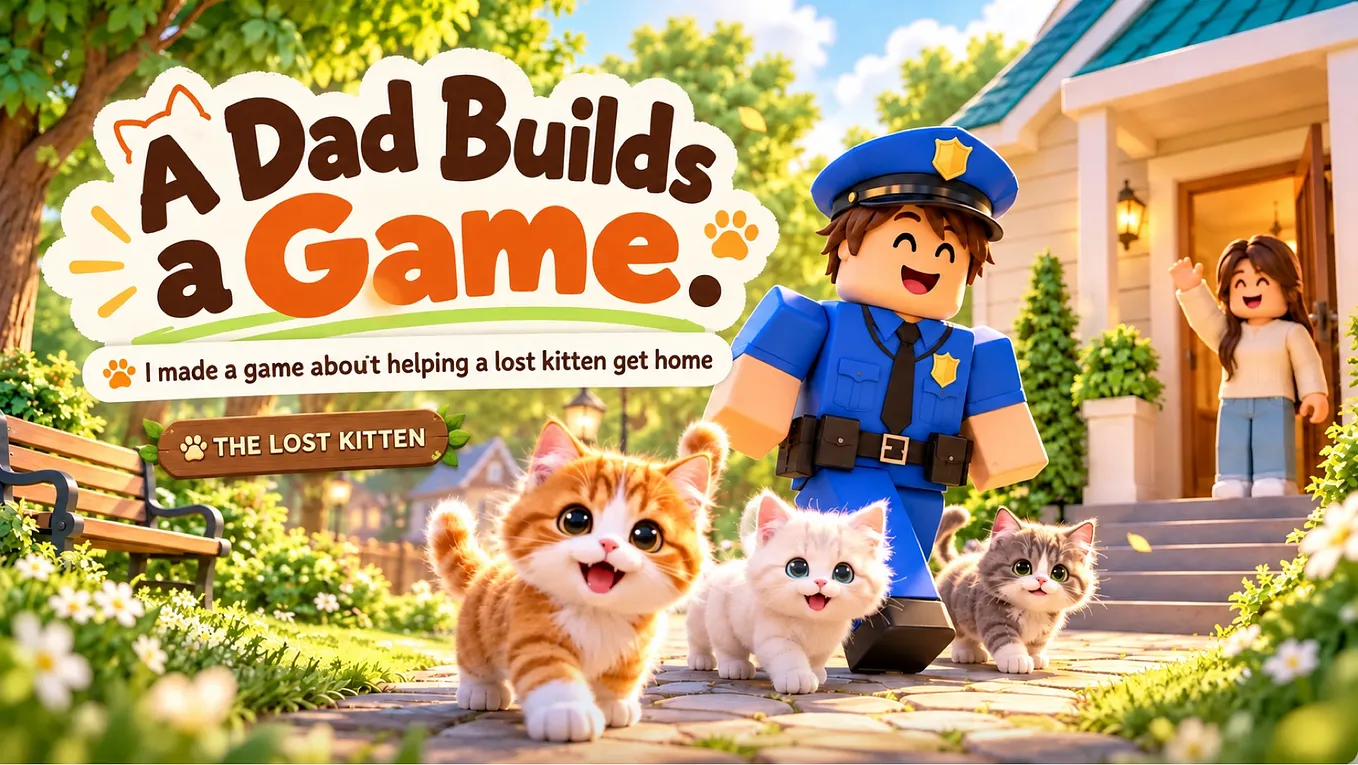
One of them is called THE LOST KITTEN, a game where players help a lost kitten find its way back to its mother.
Getting a game to work was exciting.
But I also learned something pretty quickly.
Asking AI to write code isn’t the hardest part. Knowing exactly what you want the code to do is.
When I first opened Roblox Studio, there were so many possibilities that I didn’t know where to start.
I could build a map, add characters, or ask AI to generate scripts.
And sometimes, even when I followed AI’s instructions, things didn’t work.
After going through that process, I realized that a little planning could save a lot of confusion.
If you’re a beginner like me, here are three questions worth answering before you ask AI to build anything.
- What exactly does the player do?
Let’s use my kitten game as an example.
The basic idea is simple: help a lost kitten get home.
But that’s an idea, not a complete set of instructions.
What does helping the kitten actually involve?
Maybe the player needs to:
- Explore a small area and find the kitten.
- 2. Walk up to it and select a “Help” action.
- 3. Take the kitten back to its mother.
Now we have something more specific.
We know the game needs a kitten, a way to interact with it, and a method of bringing it home.
Roblox Studio has a feature called ProximityPrompt, which can be used to let players interact with nearby objects or characters.
Knowing that gives us a much better starting point when asking AI for help.
Instead of saying:
“Make a game about rescuing a kitten.”
We can ask:
“Show me how to add a ProximityPrompt to a kitten character so the player can press a button to help it.”
That’s a smaller and much clearer task.
2. What happens after the player takes action?
This is where things can get complicated.
Let’s say the player finds the kitten and presses “Help.”
What happens next?
Does the kitten follow the player?
Does the player pick it up?
Both options might look simple from the player’s perspective, but they need different systems.
For a following kitten, we need to think about movement and how it handles obstacles.
For a carried kitten, we need to think about attaching it to the player and how it should look while moving.
Neither approach is automatically better.
The important thing is deciding what you actually want.
Otherwise, AI might build something technically functional that doesn’t match your idea.
One thing I’ve learned is that it’s much easier to fix a small feature than an entire system I don’t fully understand.
Especially when I’m learning as I go.
3. How does the game know the player has won?
The kitten has made it back to its mother.
Great.
But how does the game recognize that?
There are several ways to design it.
Maybe the player must bring the kitten close enough to its mother.
Maybe they must enter a designated area.
Or maybe they need to interact with the mother cat.
These are all possible approaches, but they require different instructions.
Get Calm Men Lab’s stories in your inbox
Join Medium for free to get updates from this writer.
And there’s another important detail.
The player needs to know they’ve completed the task.
A message, a sound effect, or a simple celebration can make the result clear.
Without that feedback, players might not even realize they’ve won.
For a beginner’s first game, I think a simple and obvious ending is more useful than adding lots of complicated features.
Here’s the kind of prompt I’d give AI
If I were starting a simple kitten-rescue game from scratch, I’d begin with something like this:
⸻
I want to create a simple Roblox game using Roblox Studio.
The goal is to rescue a lost kitten and bring it back to its mother.
The basic gameplay should work like this:
- The player finds a kitten in a small map.
- 2. When the player approaches the kitten, a “Help” interaction appears.
- 3. After the player selects “Help,” the kitten follows the player.
- 4. When the kitten reaches its mother, the game displays a success message.
I’m a beginner with very little programming experience.
Please don’t give me all the code at once.
First, explain which objects and systems I need in Roblox Studio.
Then guide me through creating them one step at a time.
For every script, explain exactly where I should place it and how to test whether it works.
⸻
This is an example of how I’d plan a new version of the game, rather than a description of every system in my published version.
The important part is that AI has a clear goal to work toward.
And I have a better idea of what I’m trying to build.
Start small, and test everything
One mistake beginners can easily make is trying to create the entire game in one go.
A big map.
Multiple characters.
Special effects.
Complicated missions.
All before the basic gameplay even works.
I understand the temptation. It’s exciting to imagine what the finished game could become.
But I’ve found it more manageable to focus on one working feature at a time.
First, can the player interact with the kitten?
Then, can the kitten follow the player?
Finally, can the game recognize when the kitten reaches its mother?
Test each part before moving on.
That way, when something goes wrong, you have a better idea of where to look.
You don’t have to be a programmer to start
I’m still learning.
I don’t have years of game development experience, and I certainly don’t understand every piece of code AI gives me.
But I have managed to turn a couple of ideas into published Roblox games.
For someone who works a regular job and spends much of his time raising three daughters, that’s been a pretty interesting experience.
I also want to see whether game development could eventually become a small source of extra income.
Whether that happens remains to be seen.
For now, my goal is to keep learning and make better games.
If you’re thinking about building your first Roblox game with AI, start by answering three questions:
- What does the player do?
- * What changes when they do it?
- * How does the game know they’ve succeeded?
You don’t need a complicated design document.
Even a few notes on your phone can help.
And if you’d like to see one of the games I’ve made, you can try it here:
Play THE LOST KITTEN on Roblox
I’m still figuring things out myself, but I’ll keep sharing what I learn along the way.