Making a USB Drive Accessible to Local Network Using Samba

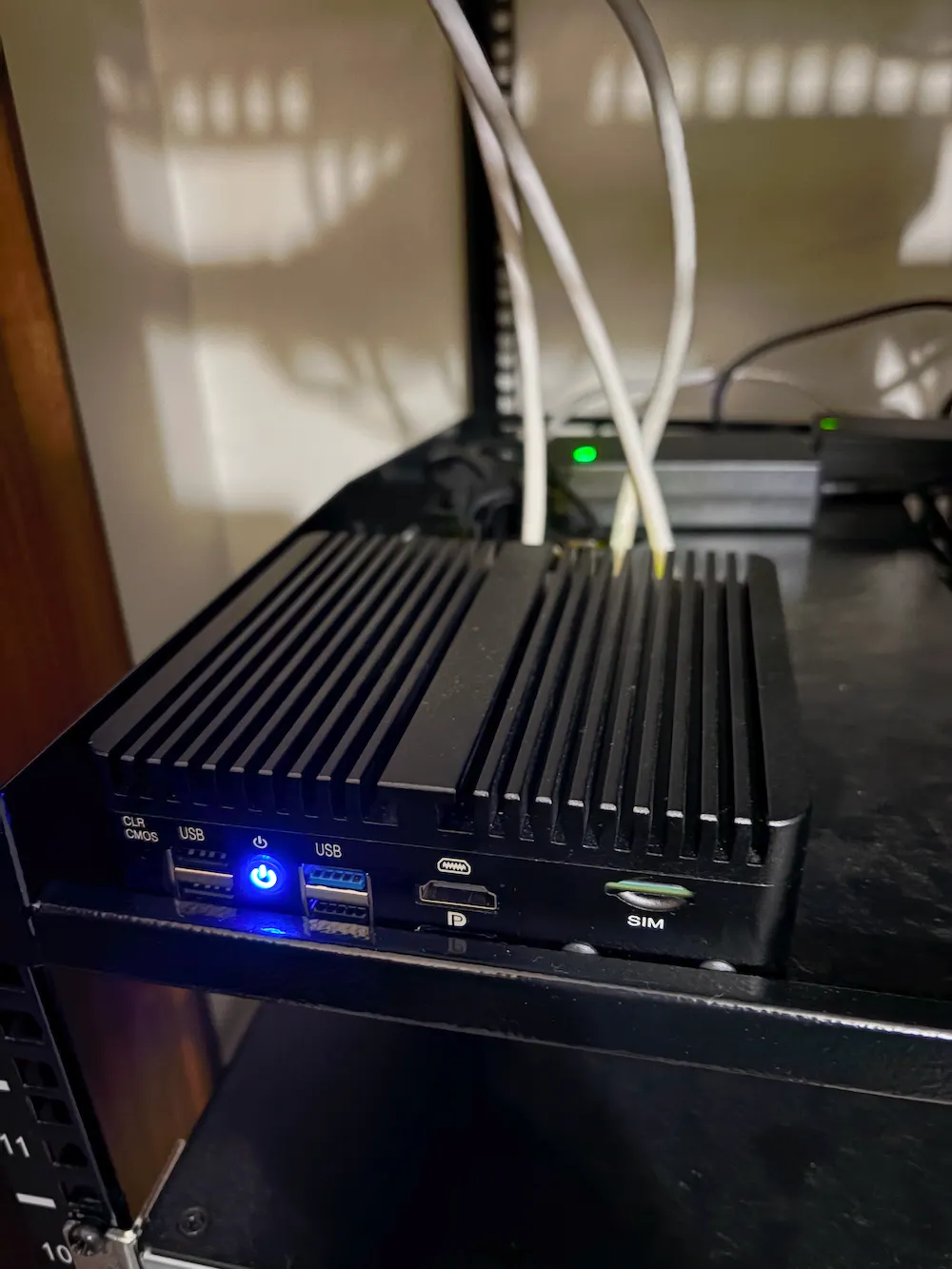
Since my router doesn’t support direct USB connections, I’ll mount the drive on my Ubuntu server and share it locally using Samba.

Here is the quick step-by-step process:
Set up USB Drive
1. Identify your USB drive
Plug in your storage device and run the following command to identify your drive.
lsblkLook for an entry matching your storage device’s capacity. Remember its path, which should look like /dev/sdc2.
2. Create the mount point
sudo mkdir -p /mnt/external3. Mount the drive
Mount the filesystem to the folder you just created. Replace /dev/sdc2 with your actual device name:
sudo mount /dev/sdc2 /mnt/externalSet up Samba
Follow these steps to install and configure Samba on Ubuntu Server.
1. Install Samba
First, update your package lists and install the Samba packages:
sudo apt update
sudo apt install samba -y
2. Create a Samba User Password
Samba maintains a password database separate from standard Linux user accounts. The user must already exist on your system:
# Add your existing local user to Samba and set a dedicated password
sudo smbpasswd -a yourusername
Get Eric S’s stories in your inbox
Join Medium for free to get updates from this writer.
3. Configure the Samba Share
Open the central Samba configuration file:
sudo nano /etc/samba/smb.confAppend your share configuration to the end of the file:
[extshare]
    comment = Samba on Ubuntu 1
    path = /mnt/external
    read only = no
    browsable = yes
Press Ctrl + X to exit, press Y to save the file, and press [Enter] to confirm.
4. Allow Access through Firewall and Restart Services
If UFW is active, allow the required network traffic:
sudo ufw allow sambaRestart the Samba services to apply your changes:
sudo systemctl restart smbd.service nmbd.serviceConnect from Clients
- From Windows: Open File Explorer (Win + E), type your server’s IP address:
\\192.168.X.X\extshare. Enter your Samba username and password when prompted. - From Mac: Open Finder, press Cmd + K, type
smb://192.168.X.X/extshare, authenticate, and press [Enter]. - From Linux: Connect using a file manager like Nautilus via
smb://192.168.X.X/extshare.
References
- https://askubuntu.com/questions/37767/how-to-access-a-usb-flash-drive-from-the-terminal
- https://www.youtube.com/watch?v=y7esIzzkzSE&t=4s Opens in a new window
- https://linuxconfig.org/howto-mount-usb-drive-in-linux
- https://support.blancco.com/space/KB/349437954/How+to+mount+a+USB+drive+on+Ubuntu
- https://www.youtube.com/watch?v=t1MCbL95Xcg&t=25s Opens in a new window
- https://ubuntu.com/server/docs/how-to/samba/file-server/
- https://ubuntu.com/tutorials/install-and-configure-samba#1-overview
- https://www.youtube.com/watch?v=TzO7mkyG92Q&t=281s Opens in a new window