Developing a Caregiver Management System for Home Healthcare Businesses: Features, Process, Cost and AI


A caregiver management system gives home healthcare businesses one place to schedule shifts, verify visits, track credentials and pay staff accurately. As home healthcare software development moves from spreadsheets to purpose-built platforms, owners face practical questions: what should the system include, how is it built, and does custom make sense? This guide answers each one with real cost and compliance detail.
What Is a Caregiver Management System?
A caregiver management system is software that helps home care and home health agencies recruit, schedule, supervise, verify and pay their caregivers from a single platform. It usually has an admin web portal for coordinators and a mobile app for caregivers, both connected to a shared database that tracks availability, certifications, visits and hours in real time.
It sits inside the wider field of home healthcare software development, but its focus is the workforce rather than the clinical chart. Clinical records, billing and patient portals can sit beside it or inside the same platform. The distinction matters because most delivery problems in home care start with people, time and location, not documentation.
Key Challenges in Managing Home Healthcare Caregivers
Home care runs on moving parts: caregivers travel between homes, clients change needs without notice, and every visit must be documented well enough to be paid.
The six problems below appear in almost every agency before it adopts dedicated software, and each one maps directly to a feature covered later in this guide.
1. Manual scheduling and shift conflicts
Coordinators who build schedules in spreadsheets or on whiteboards cannot see every constraint at once. Double bookings, overlapping shifts, missed overtime limits and forgotten recurring visits creep in.
That is why 54% of home care leaders rank scheduling and matching as the most important system to get right, since errors here become missed visits and caregiver burnout.
2. Caregiver availability and last-minute replacements
A caregiver calls in sick at 6 a.m., and a coordinator starts phoning down a list. The replacement must hold the right certifications, live nearby, suit the client and avoid overtime.
Without a live view of availability, finding that person takes hours while the client waits. Last-minute gaps are the most visible symptom of poor workforce visibility.
3. Patient-caregiver matching
Good matches depend on skills, language, gender preference, pet allergies, distance and personality fit, yet many agencies match from memory. Mismatches lead to client complaints, refused visits and early caregiver exits.
A proper system stores these attributes as structured data so every assignment follows the same rules instead of one coordinator’s recall.
4. Attendance and visit verification
Paper timesheets and phone calls make it hard to prove that a visit happened, when it began and where. Payers can deny claims, and clients can dispute hours.
Verified clock-in and clock-out data tied to the scheduled shift removes doubt and protects both the agency and the caregiver from disputes.
5. Communication gaps between caregivers and administrators
Group texts and personal phone calls scatter instructions, expose protected health information and leave no record.
A caregiver may miss a care plan change posted in one thread, while an administrator never hears about an incident.
Secure, role-based messaging inside the platform keeps updates traceable and places every message next to the visit it concerns.
6. Payroll and compliance tracking
Hours worked, mileage, overtime rules and differing pay rates must reach payroll without retyping.
At the same time, licenses, background checks, training hours and vaccination records expire on different dates.
When these live in separate files, expired credentials slip through and payroll errors damage trust. One connected record prevents both problems.
Essential Features of a Caregiver Management System
A strong caregiver management system joins daily operations, compliance and communication in one workflow. These capabilities below form the core of most successful platforms, and each should be scoped against how your agency actually works rather than copied from a competitor’s feature list or a vendor’s marketing page. That fit decides adoption.
Caregiver profiles and credential management
Each caregiver profile holds contact details, skills, languages, certifications, availability, preferred areas and employment documents.
Credential tracking sends alerts before a license, CPR card or background check expires, and it can block assignment of anyone with lapsed documents.
This turns compliance from a periodic audit scramble into a continuous, automatic control.
Automated scheduling and shift management
Scheduling modules build recurring visits, detect conflicts, enforce overtime limits and publish open shifts to qualified caregivers. Drag-and-drop calendars give coordinators control while rules handle the repetitive checking.
Agencies with several branches often pair this module with workforce management software solutions so capacity, absence and demand are planned together.
Patient-caregiver matching
Matching logic scores each caregiver against a visit using skills, availability, distance, language, client preferences and past visit history. Coordinators see a ranked shortlist and approve it in one click.
Over time, repeat pairings improve continuity of care, which clients value highly and which lowers refusals and early caregiver turnover.
Mobile app for caregivers
The caregiver app is where adoption is won or lost. It should show today’s visits, directions, care plans and tasks within two taps, and it must work offline because many homes have weak coverage. Offline mode caches schedules, queues clock-ins and syncs when the signal returns, so no visit data is ever lost.
Attendance and visit verification
Federal rules make this feature mandatory for many agencies. Medicaid personal care services had to use electronic visit verification by January 1, 2020, and home health services by January 1, 2023, with state funding reductions of up to 1% for non-compliance. A compliant system captures service, client, caregiver, date, time and location, then sends it onward.
Task and care plan management
Care plans should travel with the shift. Caregivers see the tasks to complete, such as medication reminders, mobility exercises or meal preparation, and tick them off with notes or photos.
Missed tasks trigger alerts to supervisors. This keeps care consistent across different caregivers and gives families and payers a clear record of what was delivered.
Real-time notifications and communication
Push notifications tell caregivers about new shifts, schedule changes and care plan updates, while alerts warn coordinators about late arrivals, missed clock-ins and unfilled visits.
Secure in-app chat replaces personal texting for protected information. The goal is fewer phone calls and faster responses, with every message stored against the relevant client, visit or caregiver.
Timesheets and payroll management
Verified visit hours flow into digital timesheets, where coordinators review exceptions such as missed punches or overtime before approval. Pay rules, mileage and differentials are applied automatically, and approved data exports to payroll tools. This removes double entry, shortens payroll cycles and gives caregivers transparent, accurate pay, which supports retention.
Reporting and performance analytics
Dashboards should show visit completion rate, late arrivals, overtime, caregiver utilization, turnover and cost per visit.
Drill-down views let owners compare branches and spot patterns early, such as a client with repeated cancellations.
Good reporting also supports audits and payer reviews by producing clean, complete records whenever they are requested.
How to Develop a Caregiver Management System
Building this platform is a product project, not just a coding task. The seven stages below follow the order that keeps rework low: decide what the system must do, design for compliance from the start, then build, integrate and test with real caregivers before launch day arrives. Skipping a stage usually means paying for it later.
Define Business Requirements and User Roles
Start by mapping how scheduling, onboarding, visit verification and payroll work today, and where they fail.
Define roles such as administrator, coordinator, caregiver, finance user and, if needed, client or family member, then write permissions for each.
Clear requirements at this stage prevent the costly mid-project changes that derail many healthcare builds.
Design the System Architecture
Choose an architecture that can grow with your caregiver count and the states you serve.
A modular backend with clear APIs lets you add billing or telehealth later without rewriting scheduling.
Plan for multi-tenant data separation if you will serve several agencies, set up audit logging early, and design the mobile client as offline first.
Develop Core Management Modules
Build modules in order of operational value: caregiver profiles, scheduling, visit verification, then timesheets and reporting. Release in short sprints so coordinators can test each module with real data.
Early feedback from schedulers is the fastest way to find rules the specification missed, such as local overtime limits or client-specific restrictions.
Build Caregiver and Administrator Applications
The two interfaces serve different needs. Administrators need dense, powerful calendars and dashboards on the web, while caregivers need a simple, fast mobile app with large tap targets and minimal typing.
Test the mobile app with actual caregivers on older phones and poor connections, because usability in the doorway decides whether the app is used.
Integrate Third-Party Systems
Most agencies need connections to payroll, accounting, state EVV aggregators, messaging, maps and sometimes hospital records.
Get Citrusbug Technolabs’s stories in your inbox
Join Medium for free to get updates from this writer.
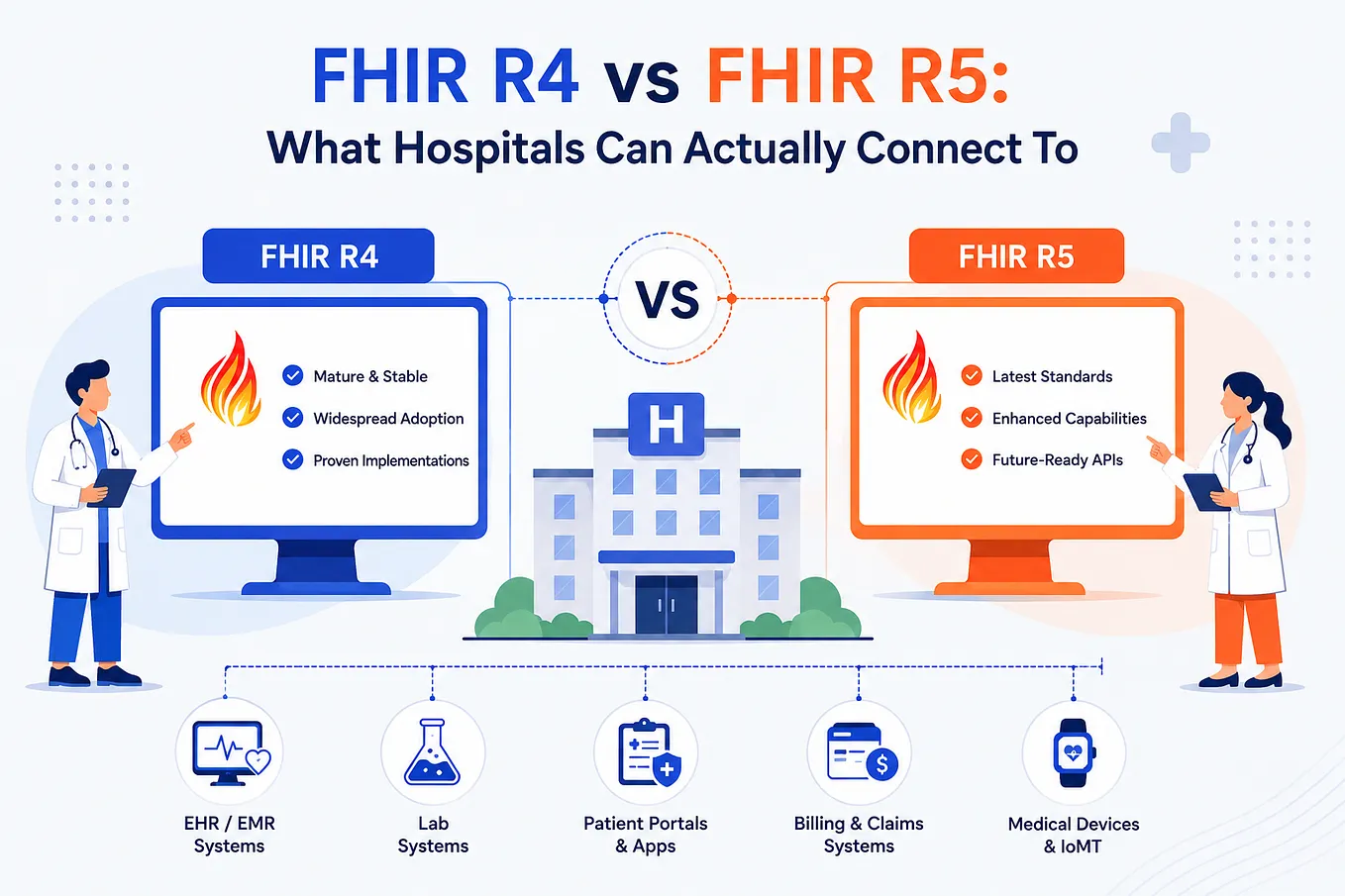
EHR integration services built on HL7 or FHIR let the platform receive referrals and care instructions without retyping.
Each integration needs data mapping, error handling and testing, so budget for them early rather than treating them as extras.
Implement Security and Compliance
Because the system handles protected health information, security cannot be added at the end. Use encryption in transit and at rest, role-based access, multi-factor login, session timeouts and detailed audit logs.
Teams that deliver HIPAA-ready application development also document policies, sign business associate agreements with cloud vendors and run penetration tests before go-live.
Test, Deploy, and Maintain the Platform
Test beyond basic functions: verify schedules against edge cases, check GPS accuracy, simulate offline use and validate EVV data formats with the target state.
Launch with a pilot group from one branch, train each role differently, then expand. After launch, plan for updates, operating system changes, new regulations and a steady backlog of improvements.
Technologies Used to Develop Caregiver Management Software
The right stack balances speed, offline reliability and hiring availability. No single combination is best, and your existing team, budget and integration needs should drive the decision.
The following technologies are common in home care platforms and all support HIPAA-ready hosting when configured correctly. Pick for your team, not for trends.
- Frontend: React and Angular both suit the administrator portal, with React offering a larger talent pool and Angular a more opinionated structure for big teams.
- Mobile: React Native and Flutter let one codebase serve iOS and Android, and both support offline storage and background sync.
- Backend: Node.js handles real-time notifications well, Python suits scheduling optimization and AI features, and .NET fits organizations already on Microsoft infrastructure.
- Database: PostgreSQL gives strong consistency for schedules, hours and payroll data, while MongoDB suits flexible care plan and form documents.
- Cloud: AWS, Azure and Google Cloud all offer HIPAA-eligible services under business associate agreements, with managed databases and automatic scaling.
- APIs: FHIR and REST APIs connect to health records, while payment and communication APIs support payroll, SMS, voice and push messaging.
Mobile choices deserve extra thought because caregivers use the app all day. This comparison of Flutter vs React Native covers performance and developer availability in detail.
Whichever you pick, prototype offline sync and GPS check-in first, since those two features carry the most technical risk in a caregiver app. Early prototypes save weeks later.
How AI Can Improve Caregiver Management
Artificial intelligence is moving from marketing claim to daily tool in home care, and 64% of home care leaders expect AI shift matching and automatic scheduling to have the greatest impact over the next five years. AI works best as a decision aid that ranks options for coordinators, with humans approving anything that affects care.
AI-powered caregiver-patient matching
AI models can weigh skills, travel time, language, client preferences and past visit outcomes to suggest the best caregiver for each visit. They learn from accepted and rejected suggestions, so recommendations improve. Keep the logic explainable: coordinators should see why a match was proposed, and clients should always be able to request a different caregiver.
Predictive caregiver scheduling
Predictive scheduling uses historical call-offs, seasonal patterns and visit changes to forecast where gaps are likely.
The system can warn coordinators in advance, invite backup caregivers early and flag people close to overtime or burnout.
This shifts scheduling from firefighting each morning to planning several days ahead with fewer surprises.
Automated shift allocation
When a shift opens, automated allocation can offer it to qualified, nearby caregivers in a set order, then escalate to a wider pool if no one accepts.
Coordinators define the rules, such as overtime caps and preferred caregivers. The result is faster fills with fewer phone calls, while exceptions still reach a human.
Workload and staffing demand forecasting
Forecasting models estimate how many visit hours, and which skills, a branch will need in the coming weeks using referrals, client acuity and seasonality.
Leaders can then time hiring and training before shortages hit. Accurate forecasts also support better pricing and contract decisions when negotiating with payers and referral partners.
AI-assisted care documentation
Voice-to-text and note rewriting tools help caregivers record visits quickly, and models can flag skipped tasks or unusual changes in a client’s condition.
Treat the output as a draft that the caregiver confirms. Privacy controls matter here, so choose models and hosting that keep protected health information inside your compliance boundary.
How Much Does It Cost to Develop a Caregiver Management System?
Costs vary widely with scope, and custom home healthcare platforms typically range from $200,000 to $1,000,000 or more. A simple build with scheduling and databases sits at the low end, a platform with EHR features and visit verification lands in the middle, and remote monitoring with advanced analytics reaches the top. Treat this as a planning range.
Factors influencing development costs
Scope and team drive most of the budget. More modules, roles and states mean more design, development and testing hours. Team location and seniority change hourly rates, and the delivery model, whether fixed price or dedicated team, affects flexibility. A paid discovery phase usually lowers overall cost by exposing unclear requirements before any code is written.
Feature complexity and application types
A web admin portal with a basic caregiver app costs far less than a platform with offline sync, geofenced EVV, AI matching and client and family portals. Native apps cost more than cross-platform ones. Starting with an MVP around scheduling, visit verification and timesheets lets you prove value before funding advanced features.
Third-party integrations
Each integration adds API work, data mapping and testing. Payroll and accounting tools are usually straightforward, while EHR, state EVV aggregators and payer systems are heavier because formats and rules differ by state. Multi-state agencies should expect separate aggregator connections, so list every required integration during discovery to avoid budget surprises later.
Security and compliance requirements
HIPAA safeguards, penetration testing, audit logging and compliance documentation add effort that cannot be skipped. A HIPAA compliance checklist is a useful way to scope this work before budgeting. State EVV certification and any SOC 2 or ISO 27001 goals add further testing time, so treat compliance as a line item.
Maintenance and infrastructure expenses
Launch is not the end of spending. Budget each year for cloud hosting, monitoring, security patches, operating system updates, bug fixes and new features, plus support for caregivers and coordinators. Many teams reserve a meaningful share of the original build cost annually. Underfunded maintenance creates technical debt and eventually an expensive rebuild.
Build vs. Buy: Choosing the Right Caregiver Management Software
The build or buy decision depends on how unusual your operations are and how fast you plan to grow. Ready-made products launch quickly, while custom software fits your exact workflow. A fair comparison looks at total cost over several years, not only the first invoice, and at how much each option can adapt as you scale.
Ready-made solutions and their limitations
Ready-made home care products offer fast setup, proven EVV integrations and predictable subscriptions, which suits small agencies with standard workflows. The limits appear with growth: per-user fees climb, workflows are fixed, and the caregiver app may be an afterthought. A review of custom software vs off-the-shelf costs exposes these long-term trade-offs.
Benefits of custom caregiver management software
Custom software follows your processes instead of forcing you to change them. You own the code, control the roadmap and can add features such as AI matching or client portals when you choose. Integrations are built around your payroll, EHR and payers, and licensing costs do not rise with every new caregiver you hire.
When home healthcare businesses should invest in custom development
Custom development makes sense when you have a large or fast-growing caregiver base, serve several states or payers, run an unusual service model, or want software as a competitive edge. If your needs are standard and your team is small, start with a ready-made product and revisit custom development when its limits begin to cost you.
Conclusion
A caregiver management system turns scattered scheduling, verification and payroll work into one reliable workflow, and well-planned home healthcare software development makes it fit your agency instead of the other way around.
Start with a focused MVP, build compliance and offline use in from day one, add AI where it saves time, and weigh cost against long-term growth before you commit to a build.
FAQs
1. What is caregiver management software?
Caregiver management software is a platform that helps home care and home health agencies manage their caregivers in one place. It handles profiles and credentials, scheduling, visit verification, task lists, messaging, timesheets and reports. Coordinators use a web portal and caregivers use a mobile app, so both sides work from the same live information.
2. What features should caregiver management software include?
At minimum, it should include caregiver profiles with credential alerts, automated scheduling, patient-caregiver matching, an offline-capable mobile app, EVV with GPS, care plan tasks, secure messaging, timesheets with payroll export, and reporting. Role-based access, audit logs and integrations with payroll and health records complete a platform that can pass audits.
3. How does caregiver scheduling software work?
It stores each caregiver’s availability, skills and location, along with each client’s visit needs and preferences. The engine proposes matches, checks conflicts and overtime, and publishes shifts. Caregivers confirm in the app, and changes trigger instant notifications. When someone cancels, the system lists qualified replacements so coordinators can fill the gap in minutes.
4. How much does it cost to develop caregiver management software?
Custom builds vary widely. A simple platform with scheduling and databases costs far less than one with visit verification, EHR features, remote monitoring and analytics. Cost depends on features, integrations, compliance needs and team location, and you should also plan yearly maintenance. A short discovery phase gives a much firmer estimate than any rule of thumb.
5. Is caregiver management software HIPAA compliant?
Software is not compliant by itself. It can support compliance through encryption, access control, audit logs and secure hosting, but your agency must also keep policies, train staff and sign business associate agreements with vendors. If you build custom software, design these safeguards in from the start and test them before launch.
6. Can caregiver management software integrate with EHR systems?
Yes. Most platforms connect to electronic health record systems through HL7 or FHIR standards, so referrals, care instructions and visit summaries move without retyping. The effort depends on the EHR vendor, the data you need and the security review involved. Agree on exact data flows during discovery, because they drive both cost and timeline.
7. What is the difference between caregiver management software and home care software?
Caregiver management software focuses on the workforce: credentials, scheduling, matching, visit verification and timesheets. Home care software is the broader category, which also covers client intake, care plans, billing, claims and sometimes clinical records. Many products combine both, but a caregiver system can be built first and extended into full home care software later.