The Loudest Key on a Quiet Keyboard Might Be the Spacebar

A quick mic check can save you from buying a keyboard for the wrong reason.
Adapted from the original KeyboardTester.click comparison by Kashif Aziz Awan.
A quiet switch can take the edge off a letter key. On a call, the thumb may still give the keyboard away. The spacebar is a wide keycap with a stabilizer, so it can sound quite different from the single switch a retailer demonstrates.
Three kinds of quiet
Silent switch designs cushion impacts inside the switch. Foam and other case damping change how the housing resonates. Low-profile designs change the key travel and feel. Any of these choices can still leave a prominent spacebar.
Take one minute before shopping
In the SoundTesters microphone test, record and replay a short local sample to confirm you selected the right input. Close the test before opening your usual call app, where gain and noise suppression may change what others hear.
Get KeyboardTester.click’s stories in your inbox
Join Medium for free to get updates from this writer.
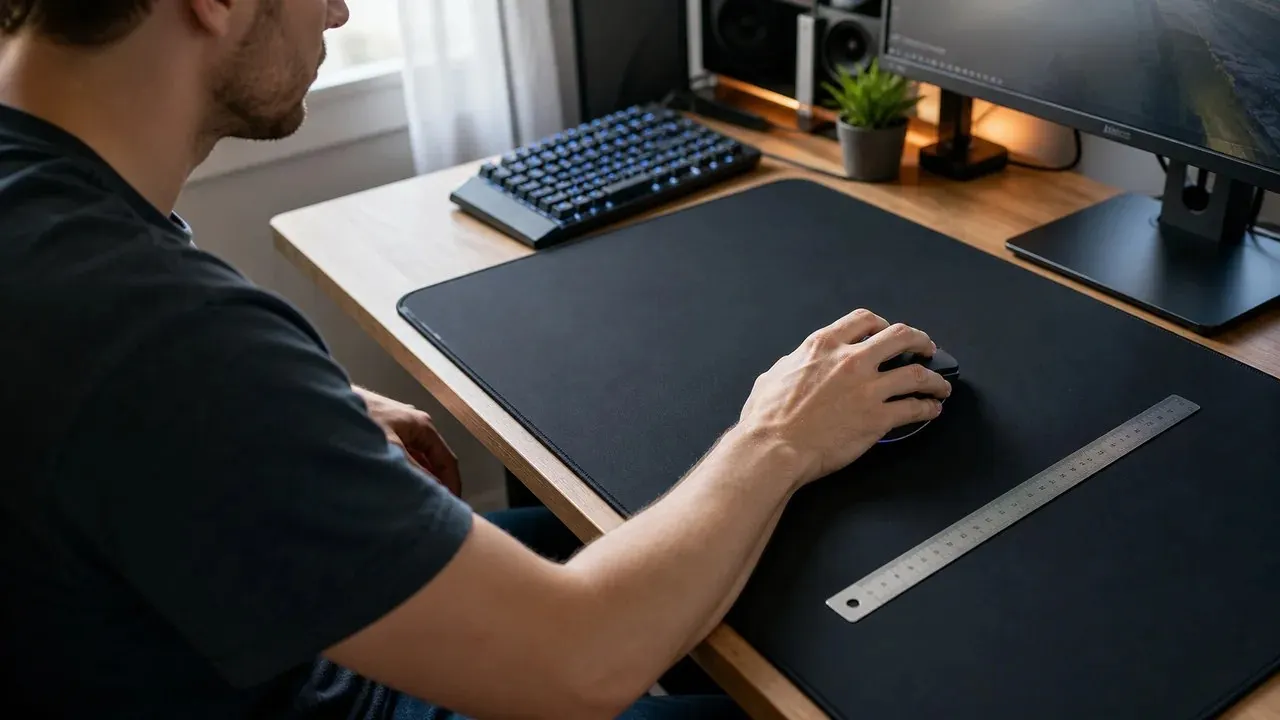
Record the same short phrase once without typing, once with normal letter taps and once with ordinary spacebar taps. Keep the microphone position, desk surface, input gain and app settings fixed. Replay the takes at the same volume. Listen for speech being masked and for noises you hear only in pauses.
The two soundboard files are about 230 ms for the silent-linear reference and 550 ms for the stabilized-spacebar reference. Those are file lengths. The clips do not rank the physical keyboards, measure room loudness or show when either sound becomes inaudible.
What to audition first
The wired Light Mount and modular Dark Mount offer factory silent switch choices. For wireless, decide whether you want to configure the hot-swap Q1 Max, keep a number pad with the ASUS Scope II 96, or prioritize a low profile with the Logitech G915 X TKL.
If only the spacebar distracts, audition that key on any replacement or address the existing large-key sound first. If many keys distract, compare switch types and microphone placement. Change one variable and repeat the sequence.
Try the two reference clips in the Keyboard Sound Test soundboard. The original comparison has the full model specifications and manufacturer sources.
KeyboardTester.click and SoundTesters share a publisher. AI assisted this adaptation.