How many calls can your PBX really handle?
SIP Tester is an open-source SIP load tester that acts as both the phones and the carrier trunk of your PBX, and writes the test report for you.
Every PBX, SBC and SIP proxy eventually has to answer the same questions. How many calls per second can it set up? How many simultaneous calls can it carry? At what load does the caller start waiting longer for the first ring? And when two thousand phones re-register at once after an outage, does the box survive?
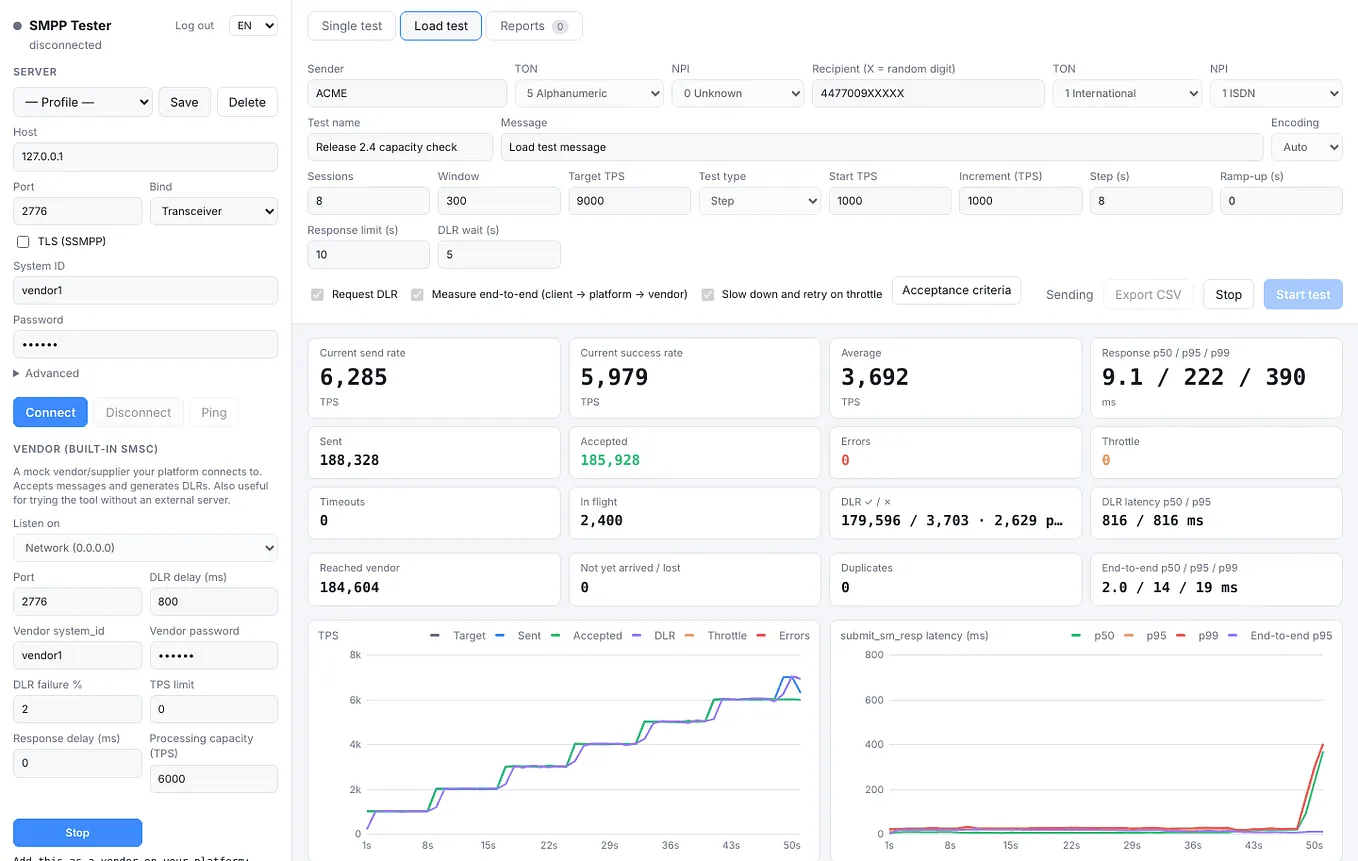
Recently I published SMPP Tester, a tool that answers the same kind of questions for SMS platforms. It works by sitting on both sides of the platform, so each message can be followed through it. SIP Tester applies that idea to voice. It calls your PBX the way phones do, receives the calls your PBX routes out the way a carrier trunk does, and reports at what load the system starts to degrade, and why.
Why load-testing a PBX is harder than it looks
The classic tool is SIPp. It is fast and widely used, but every scenario is an XML script, and what you get back is a set of counters. Working out from those counters where the limit is (clean up to 250 calls per second, say) is still your job.
Most tools also see only one side. They tell you how fast the PBX accepts calls from phones. They cannot tell you how long the PBX takes to send each call on to the carrier, or whether every call actually got there. On a PBX the outbound leg is often where trouble starts: dialplan lookups, routing rules, a trunk that is full.
One number is not enough anyway. What you want is the knee: the load at which latency leaves its baseline, and why. That needs a test that climbs in steps and an analysis that reads the whole curve.
What SIP Tester does
It generates three kinds of real SIP traffic, each at a target rate you choose:
- Calls (INVITE): complete call flows with digest authentication (INVITE, 100 Trying, 180 Ringing, 200 OK, ACK, a hold time, then BYE). Calls rotate through many extensions (
1000-1499, password templatepw{user}), and a sample of them carry G.711 audio. - Registrations (REGISTER): the storm after an outage, with every request taking the full 401 challenge round trip.
- OPTIONS: raw throughput of the SIP stack.
On the other side runs a built-in vendor: a fake carrier your PBX adds as a trunk. It answers calls, echoes the audio back, and can misbehave on purpose: slow answers, a CPS limit, a full trunk, busy or failed calls, early hang-ups.
The two sides are matched through the dialled number. With end-to-end measurement on, the seven digits after the 8 in 8XXXXXXX carry the call’s sequence number. The PBX passes the number to the trunk, the vendor reads it back, and the tool can tell which call arrived, when, and whether it arrived twice.

The same code runs as a desktop app (macOS, Windows, Linux) or as a password-protected web server in Docker, in English or Turkish.
What it measures
- PDD (post-dial delay): INVITE sent → first 180/183. How long the caller waits to hear ringing. The main latency for calls.
- 100 Trying: INVITE sent → first response. How fast the server’s transaction layer reacts.
- ASR: answered calls ÷ call attempts.
- Routing delay: INVITE sent by the extension → INVITE received by the vendor. How long the PBX takes to route the call out.
- Not reached: calls whose INVITE never arrived at the vendor, rejected or lost inside the PBX.
- Dropped: answered calls the server hung up before their hold time ended.
- Retransmissions: requests sent again over UDP because no answer came in time (RFC 3261 timers).
- RTP loss and jitter: RFC 3550 statistics on the audio that comes back.
- Echo round trip: every packet carries its send time; when an echo extension returns it, the round trip is measured.
Digest challenges (401/407) are answered automatically and counted, not treated as failures. Latencies go into logarithmic histograms, so p50, p95 and p99 stay within about 3% relative error and use the same memory whether a test runs a minute or a day.
A real run against Asterisk
I pointed SIP Tester at a stock Asterisk 20 (PJSIP) with 500 extensions, an echo test extension and a trunk to the built-in vendor protected by digest auth. Asterisk, the tester and the vendor all ran on one 2-vCPU machine, so the absolute numbers say more about that box than about Asterisk. Look at the trend, not the absolute values.
Extensions only. Calls from extensions 1000–1499 to the echo extension, 50 to 350 calls per second in 12-second steps, 3–5 second calls. All 16,799 calls were answered, the box held about 1,400 simultaneous calls, and PDD p95 rose from 3 ms to 10 ms across the steps. Repeated runs on the shared machine were not identical: one of them showed a latency spike at the 300 CPS step, and that is why the tool tests in steps and reports the knee rather than a single average.
End to end. Then the same extensions dialled 8XXXXXXX at 50 to 250 CPS, which Asterisk sent out over the trunk to the vendor. Now every call is two legs inside Asterisk, so the knee drops: the report says the server is clean up to 150 CPS; latency rose at the 200 CPS step. All 9,000 calls reached the vendor, none twice.
Get Levent Karamanli’s stories in your inbox
Join Medium for free to get updates from this writer.
Routing delay rose before PDD did. The vendor was set to answer after 100 ms, so PDD started at about 113 ms; routing delay (extension INVITE to vendor INVITE) started at 9 ms. At the 150 CPS step routing delay had grown six-fold to 56 ms, while PDD had only gone from 113 to 165 ms. PDD rose sharply only at 200 CPS, one step later.

Two more runs show how the report reads a failure:
- A full trunk. At 20 CPS with 2–3 second calls the trunk needs about 50 channels. With the vendor limited to 30, about a third of the calls came back as 503. Because every call still reached the vendor, the report concludes that the failures happened on the trunk side, not inside the PBX.
- A silent vendor. In a short run (5 CPS for 3 seconds) with the vendor dropping every INVITE, 0 of 14 calls arrived and Asterisk timed out with 408. The report says no call reached the vendor and asks you to check the trunk address, port and authentication.
Under the hood
A small SIP stack written for load
There is no SIP library underneath. About 600 lines of JavaScript parse and build messages, answer digest challenges (MD5, SHA-256, qop=auth, optional nonce reuse), run client transactions with the RFC 3261 retransmission timers over UDP or TCP, and handle the details a load test trips over: CANCEL only after a provisional response, ACK for non-2xx inside the transaction, re-INVITEs and BYEs from the far end.
Keeping the measurement accurate
The load engine runs in its own process, so the UI cannot block it. A token bucket ticks every 2 ms and starts calls while the concurrency limit has room. RTP sockets are bound before the test starts and rest two seconds between calls, so a late packet from one call cannot pollute the next one’s loss figures.
Matching calls across processes
The vendor runs in a separate process on the same machine. Both processes stamp events with performance.timeOrigin + performance.now(), which is anchored to the system clock, so their timestamps can be compared directly. Arrivals are batched every 100 ms through the main process to the engine, which matches them to the calls it sent by the digits at the end of the number.
The analysis
The report is computed from per-second rows: the baseline from the first, lightly loaded step; the latency onset when p95 stays above twice the baseline for three seconds; saturation when the answered rate stays below 90% of the target. The likely cause is read from the same window (503s, timeouts, slow answers or the test machine itself). The same code draws the report in the browser and summarises it for the archive.
The tester’s own ceiling
Calling the built-in vendor directly, with no PBX in between and 3-second calls, the same 2-vCPU box sustained 2,000 calls per second with about 6,100 simultaneous calls and no failures.
What testing the tester taught me
Most of the work went into finding bugs in the tool itself. A few of them:
- The second run counted nothing. The engine process stays alive between tests, and the call handlers captured the first test’s counters. Run two attempted 21,000 calls and reported zero answered. A test that runs two tests back to back in one worker now guards it.
- Low rates came out 10% short. The token bucket capped its burst at 20 ms worth of permits, and timer jitter ate the difference at 5 calls per second. The cap is now 250 ms.
- The test server ran faster than configured. Asked to process 60 requests a second, it rounded 0.6 per 10 ms slice up to one and processed 100. The step-test check expected the knee at 60–80 and caught it.
- Asterisk ran out of file descriptors, not CPU: every call with media needs RTP sockets, and the default limit of 1,024 open files turned into 488 Not Acceptable Here from the 80 CPS step on. The errors stopped once I raised it to 16,000 (maxfiles in asterisk.conf). Worth checking on any PBX before blaming the hardware.
- The report said “target reached” when nothing was answered. Findings are now only written when the data supports them.
The 21 tests run on every push, including step tests that must find the knee at the right step.
Try it
SIP Tester is MIT-licensed and on GitHub: github.com/peritotr/sip-tester.
- Without a PBX:
npm run uasstarts the built-in vendor as a test server on port 5070. Point the tool at it and call any number. - Desktop: clone the repo,
npm install,npm start. - Server:
docker compose up -don a Linux machine close to the PBX, then open the UI through an SSH tunnel. The server setup guide covers sizing, the firewall, PBX configuration and a test plan.
To measure end to end, start the vendor, add it to your PBX as a trunk, route a test prefix such as 8XXXXXXX to it and tick End-to-end via vendor. The README has an Asterisk example.
What it does not do yet: TLS and SRTP, audio files and MOS scores, and calls from the trunk side towards extensions. Only test systems you own or are authorised to test, and never route test calls to a real carrier.
If you run it against your own PBX, I would like to hear where your knee was.