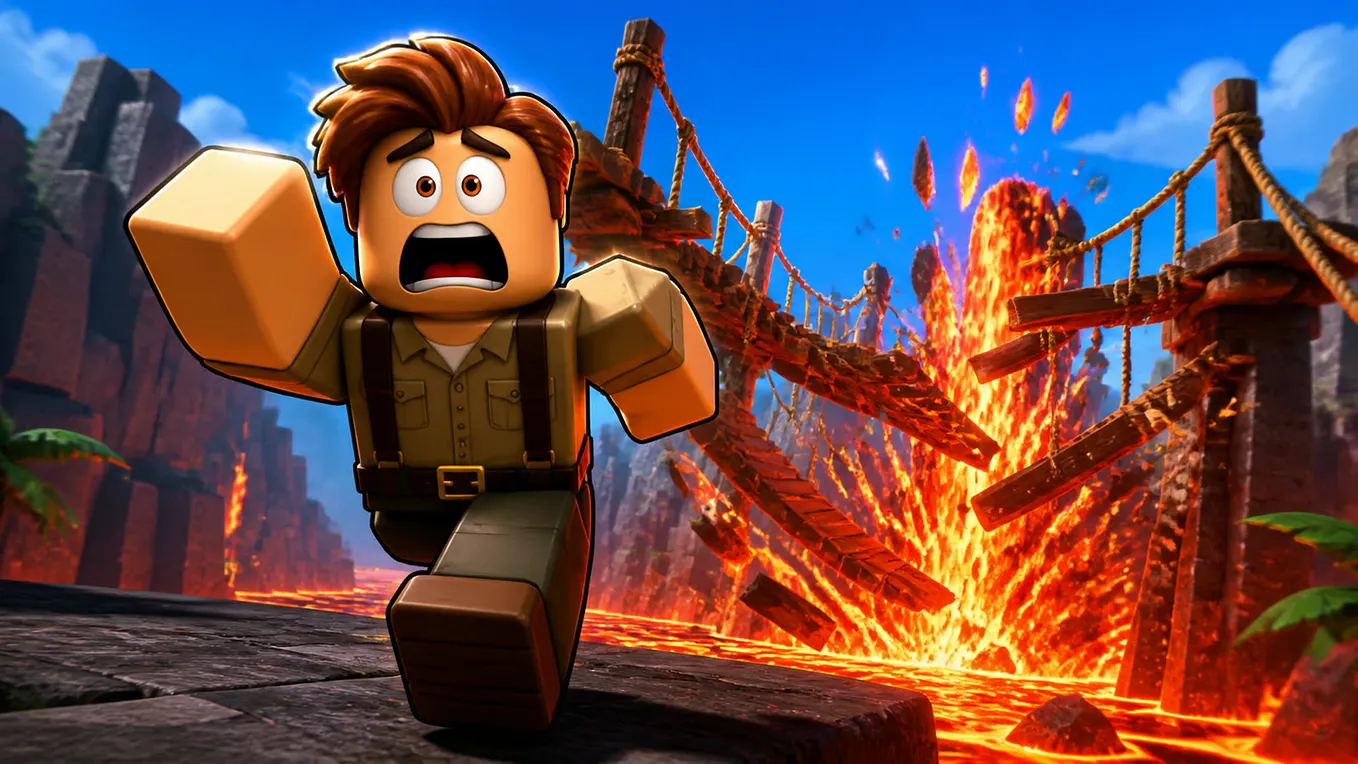
Forge GUI: How This Roblox AI Generator Turns a Prompt Into a Click-Worthy Thumbnail
Every Roblox developer hits the same wall eventually: the game is fun, the mechanics work, and nobody clicks on it. On Roblox specifically, that’s not a marketing problem you can shrug off — the thumbnail and the game icon are most of what decides whether a player taps in at all, and most solo devs are not GFX artists.
I’ve paid freelancers for thumbnails before. It works, but it’s slow, and revisions cost more money every time. So when I saw Forge GUI described as an AI generator built specifically for Roblox thumbnails and GUI assets, I wanted to see if it actually held up as a replacement for that workflow, not just a novelty.
What Forge GUI Actually Generates
Forge GUI isn’t a general-purpose image generator wearing a game skin. The output types are scoped to what game creators actually ship: thumbnails, icons, and full GUI or HUD layouts. You pick an asset type, a platform preset, and a theme, describe the scene in a prompt, and it renders something in that specific visual language instead of a generic AI-art look.
That scoping is the whole value. A generic image model will happily give you a dragon. Getting a dragon that reads as a Roblox thumbnail — bold silhouette, high contrast, composition that survives being shrunk to a tiny grid tile — needs a model actually trained on that constraint.
The Actual Generation Workflow
The Forge GUI AI workspace is a single prompt box with a few dropdowns underneath it, not a maze of settings:
- Describe the scene. A text prompt, up to 1,200 characters — enough room to specify subject, mood, and composition instead of a vague one-liner.
- Attach a reference image (optional). If you already have a pose, character, or composition you like, you can feed it in as a visual anchor instead of describing it from scratch.
- Pick the asset type. Thumbnail, icon, or GUI/HUD element — this changes composition rules, not just the output size.
- Pick the platform preset. Roblox, Minecraft, Unity, and Fortnite are all supported, so the same tool covers you if you ship on more than one platform.
- Set the theme, or leave it on Auto. Horror, Cartoony, Anime, and Survival are the named presets; Auto lets the prompt itself drive the visual tone.
Hit generate, then use the connected edit flow to refine the result with follow-up instructions instead of starting over from a fresh prompt — that iterative loop is what actually separates “AI-generated image” from “usable game asset.”
Start From a Reference, Not a Blank Prompt
The part that surprised me was realizing I didn’t have to start from zero. The Forge GUI Roblox image ID database indexes over 10 million existing Roblox image and decal IDs, searchable by keyword or visual description — “anime eyes,” “cat ears,” whatever style fragment you’re chasing. You browse for something close to what you have in mind, then carry it straight into the generator as a design reference instead of writing three paragraphs trying to describe a look in words.
Get Maggiemannhorx’s stories in your inbox
Join Medium for free to get updates from this writer.
It’s explicitly framed as inspiration, not a source to reproduce outright — you’re meant to land on something original that was informed by what you found, the same etiquette as moodboarding from any other reference site.
Roblox Is the Core Case, Not the Only One
Forge GUI Roblox support is clearly the most tuned of the four platform presets — thumbnail conventions, icon crop ratios, the whole visual grammar of what makes a Roblox tile stand out in a crowded catalog page. If you’re a Minecraft server owner or a small Unity/Fortnite-adjacent team, the same generator covers you, but Roblox creators are who it was obviously built around first.
What It Costs
Pricing runs on a credit system with a 7-day free trial to test it before paying anything:
- Starter — $15.99/month: 1,600 credits.
- Pro — $50/month: 5,000 credits.
- Studio — $200/month: 20,000 credits.
For a solo dev shipping one or two games, Starter covers a real amount of iteration — generating, refining, and regenerating a thumbnail a dozen times still costs less than a single freelance commission.
Where It Won’t Replace a Human Artist
Worth being honest about the ceiling: for a flagship game where the thumbnail is doing serious marketing work, a dedicated GFX artist who understands your specific brand still outperforms an AI generator on bespoke, highly consistent series art. Where Forge GUI wins is speed and iteration cost — testing five thumbnail concepts before a launch, refreshing an icon for a seasonal update, or just getting a competent asset out the door when you don’t have an art budget at all.
Worth Trying?
If you’re a solo or small-team Roblox developer who has been shipping with placeholder thumbnails, or paying per-revision for something that should take five minutes, this closes that gap. Start with the free trial, generate against something you’re actually about to launch, and judge it on whether the output would survive being scaled down to a catalog thumbnail — that’s the real test, not how it looks full-size.
Give Forge GUI a try before your next Roblox launch — even just running your current thumbnail idea through it once will tell you whether it’s worth building into your regular workflow.