Types of Mobile Applications: Native, Hybrid and Cross-Platform
Ask three developers about mobile app development and whether you should build native, hybrid or cross-platform, and you’ll get four opinions. One will say native is the only serious choice. Another will swear by Flutter. A third will ask what your budget is and then go very quiet. If you’re the person who has to sign the cheque, none of that helps.
Here’s the thing nobody says plainly enough: there’s no winner in mobile app development. These approaches are tools, and each one fits some jobs and fights others. What matters is which job you actually have. A food delivery startup racing to launch in three cities, a bank building a payments app, a manufacturer replacing paper forms on the shop floor: they shouldn’t be making the same choice.
So let’s lay out what each type really is, where it shines, where it struggles, and how to decide. Along the way you’ll see where cross-platform app development fits, since that’s the option most businesses are weighing right now.

First, the Vocabulary (Because People Use It Loosely)
The terms overlap in casual conversation, which causes half the confusion. Here’s a clean way to separate them:
- Native apps are built separately for each platform, using that platform’s own tools. Two codebases if you want both Android and iPhone.
- Hybrid apps are built with web technology (HTML, CSS, JavaScript) and wrapped inside a native shell so they can be installed like a normal app.
- Cross-platform apps share one codebase across platforms, but typically produce something closer to a native app than a wrapped website.
Some people treat “hybrid” as a kind of cross-platform, and technically they’re not wrong, since both share code. In practice, though, the experience and the trade-offs differ enough that it helps to treat them separately.

Native Apps
A native Android app is typically written in Kotlin (or Java), and a native iOS app in Swift. Each is built for one platform, using the tools and design conventions that platform provides.
What it does well. Smooth performance, full access to device features (camera, sensors, Bluetooth, biometrics, background services), and a look and feel that matches what users of that platform expect. When Apple or Google release something new, native developers can use it quickly.
Where it costs you. You’re effectively building and maintaining two apps if you want both platforms: two teams or skill sets, two codebases, two sets of bugs. Budgets and timelines stretch accordingly.
Best for. Apps where performance or device-level access is central: banking and fintech with heavy security needs, games, augmented reality, video and camera apps, and products where a premium, polished feel is part of the brand. Wearable work, such as Apple Watch or Wear OS apps, also leans heavily native.

Hybrid Apps
Hybrid apps start life as web apps. Ionic is a well-known example: developers build with web technologies, often alongside Angular, React or Vue, and a tool like Capacitor packages the result so it runs as an installable mobile app with access to many device features through plugins.
What it does well. Speed and familiarity. A team with strong web skills can build a mobile app without learning an entirely new stack, and a lot of code can often be shared with a web version. For form-driven, data-driven business apps, this can be an efficient route.
Where it struggles. Because the interface is rendered through web technology, very animation-heavy or graphics-intensive apps can feel less smooth than native ones. Some highly specialized device features may need custom plugins or native code.
Best for. Internal business tools, dashboards, booking and scheduling apps, content-driven apps, field-service forms, and MVPs where getting to market quickly matters more than squeezing out every last bit of polish. If you already have a web product, Ionic app development can be a practical bridge to mobile.

Cross-Platform Apps
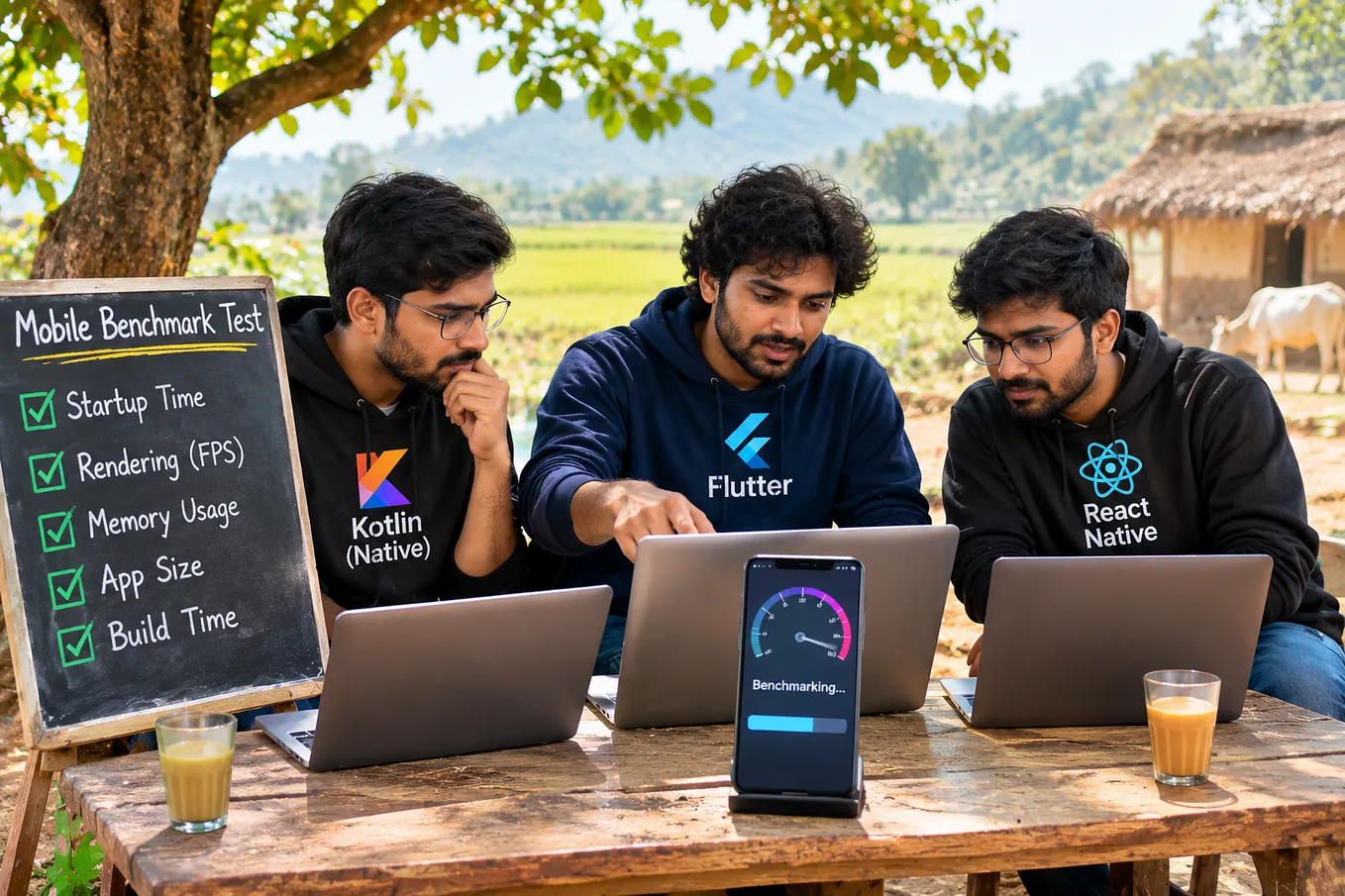
Cross-platform app development is where frameworks like Flutter and React Native come in, alongside options such as Kotlin Multiplatform. The idea behind cross-platform app development: write most of your app once, and ship it on both Android and iOS. Rather than wrapping a website, these frameworks generally render their own interface or map to native interface elements, which gets them much closer to native feel than a typical hybrid app.
What it does well. One team, largely one codebase, two platforms. Features arrive on both at roughly the same time, bug fixes happen once, and costs usually come in lower than two separate native builds. For many business apps, the experience is good enough that most users can’t tell the difference.
Where it struggles. Cross-platform app development has its edge cases. Very platform-specific features, brand-new operating system capabilities, or demanding graphics sometimes need native code written alongside. Framework updates also need to be managed over time, and the quality of the final app depends heavily on the team’s experience with the chosen framework.
Best for. Customer-facing apps for startups and growing businesses that need both platforms without doubling the budget: e-commerce, delivery, booking, social and community apps, fitness and wellness, and many fintech front-ends. It’s why cross-platform app development has become the default starting point for many early-stage products.
Side by Side
Native Hybrid (e.g., Ionic) Cross-platform (e.g., Flutter, React Native) Codebase Separate per platform Shared, web-based Largely shared Performance Best Good for typical business apps Very good for most apps Device feature access Full Good via plugins Good, sometimes needs native code Time to market Slowest Fast Fast Cost Highest Lowest to moderate Moderate Look and feel Most platform-true Can feel more “web-like” Close to native Skills needed Platform specialists Web developers Framework specialists
Treat that table as a general guide, not a law. A well-built hybrid app can beat a sloppy native one, and the reverse is just as true.
How to Choose: Questions Worth Asking
Skip the “which is best?” debate. Whether you’re weighing cross-platform app development or something else, answer these instead:
Who are your users, and what are they holding? In India, Android dominates, and plenty of customers use budget handsets with limited storage and modest processors. That makes app size, speed on lower-end devices and data usage real concerns, whichever approach you pick.
Get Manasasurusuri’s stories in your inbox
Join Medium for free to get updates from this writer.
What does the app actually need to do? If it leans on the camera, sensors, Bluetooth or heavy animation, native moves up the list. If it’s mostly screens, forms, lists and payments, cross-platform or hybrid is often plenty.
How quickly do you need to launch? A shared codebase usually gets you there sooner.
How big is the budget, and how long is the horizon? Limited budget, early-stage idea: cross-platform app development or hybrid makes sense. Long-term flagship product with demanding requirements: native may justify its cost.
What does your team already know? A strong web team will move faster with Ionic. A team with Flutter or React Native experience will do better in that ecosystem.
Will this plug into existing systems? Payment gateways, UPI flows, ERP and CRM integrations, SMS and OTP providers: all of these work across approaches, but check what each option’s ecosystem supports.

A Few Realistic Scenarios
Here’s how mobile app development choices play out in practice.
A startup in Hyderabad launching a local services marketplace, on a tight runway, needs Android and iOS quickly and expects to change features monthly. Cross-platform app development is a sensible fit.
A mid-sized logistics company wants to replace paper delivery forms with a tool its drivers use daily. Mostly forms, photos and status updates, and a web admin panel already exists. Hybrid with Ionic could be efficient.
A fintech company handling payments, biometric authentication and strict security reviews, planning to invest for years. Native, or cross-platform with carefully chosen native modules, merits serious evaluation.
A retailer modernizing an old app that customers complain is slow. Before choosing a technology, find out why it’s slow. Sometimes the culprit is the back end or a heavy design, not the framework.
Real decisions are rarely this tidy, but the pattern holds: match the approach to the job.
Where Businesses Go Wrong
Common mobile app development mistakes around this choice:
- Choosing a technology because it’s popular, not because it fits the project
- Assuming cross-platform app development means zero native work, ever
- Underestimating testing across devices, especially older Android phones
- Picking the cheapest option without considering maintenance
- Ignoring app size and performance for users on limited data and storage
- Treating the first version as final instead of planning for updates
Do You Have to Decide Forever?
Not really. Many products start with cross-platform app development or hybrid to validate the idea, then move heavier components to native as the business grows and requirements sharpen. Others start native on one platform and add the second later. A good mobile app development partner will talk about this path with you upfront, so the first choice doesn’t trap the second.
If you already have an app and wonder whether to rebuild, start with what’s actually hurting: slow performance, rising costs, missing features, difficulty hiring. The answer to “should we switch?” depends on the problem, not the label on the current technology.
Does Location Matter? Hyderabad and India
It helps. A team that works with Indian users day to day understands the mix of devices in the wild, the importance of UPI and OTP flows, regional language support and uneven connectivity, and those details shape the framework decision more than most people expect. Hyderabad’s large mobile app development community also means you’ll find experience across native, Ionic and cross-platform stacks. Still, many strong projects run remotely, so weigh location alongside experience, communication and trust.
Frequently Asked Questions
What is the difference between native, hybrid and cross-platform apps? Native apps are built separately for each platform with its own tools. Hybrid apps use web technology inside a native shell. Cross-platform apps share a codebase across platforms and typically render closer to a native interface.
Is cross-platform app development cheaper than native? Often, yes, because one team and largely one codebase cover both platforms. The savings depend on your features, and apps needing a lot of platform-specific work may narrow the gap.
Are cross-platform apps slower than native apps? For most business and consumer apps, modern frameworks perform well enough that users won’t notice. Very graphics-heavy or hardware-intensive apps are where native tends to pull ahead.
Is Ionic still a good option? For form-driven, data-driven and internal business apps, or when you want to share code with a web product, it can be a practical choice. Heavy animation and graphics may call for something else.
Which is best for a startup? It depends on the product, but many startups choose cross-platform app development or hybrid to reach both platforms quickly and keep early costs manageable, then revisit the decision as they grow.
Can I switch approaches later? Yes, though it takes effort. Planning for it early, with clean architecture and a well-designed back end, makes a later move far easier.
The Conclusion
There’s no single right answer to native, hybrid or cross-platform. There’s only the right answer for your users, your product, your budget and your timeline. For many businesses, cross-platform app development hits the sweet spot between cost, speed and quality, but native and hybrid each earn their place in the right situation.
Whichever route fits your mobile app development plans, the most valuable step is the conversation before the decision: who you’re building for, what the app must do first, and what you’ll need in two years. Good mobile app development starts there, not with a framework.