A software developer with a high passion for learning, improving skills, and sharing knowledge. My motto is “fail million times if you take lessons every time”
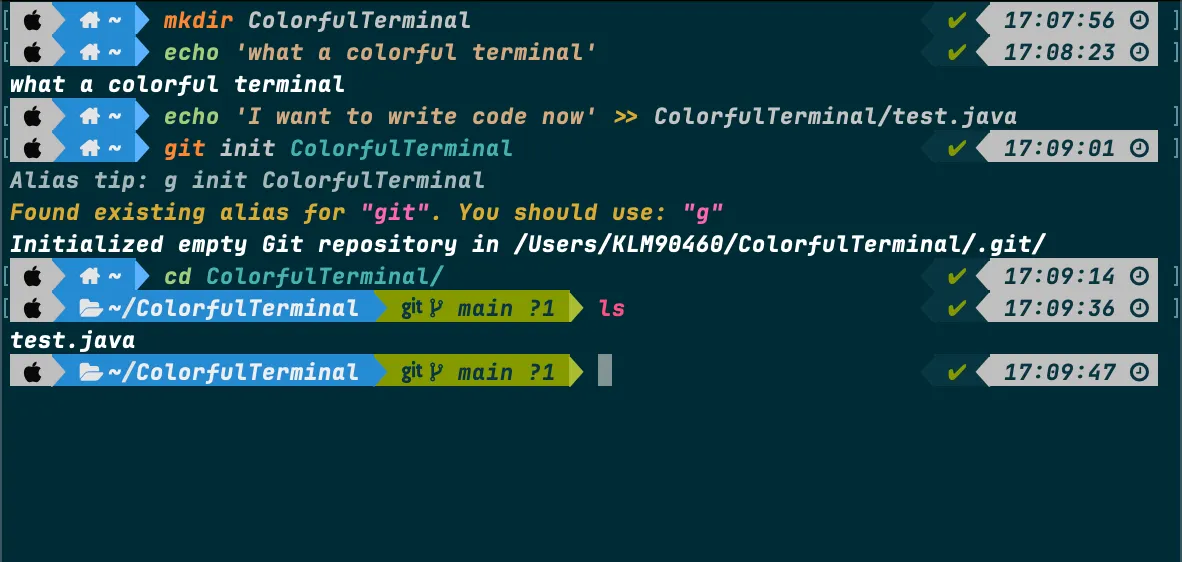
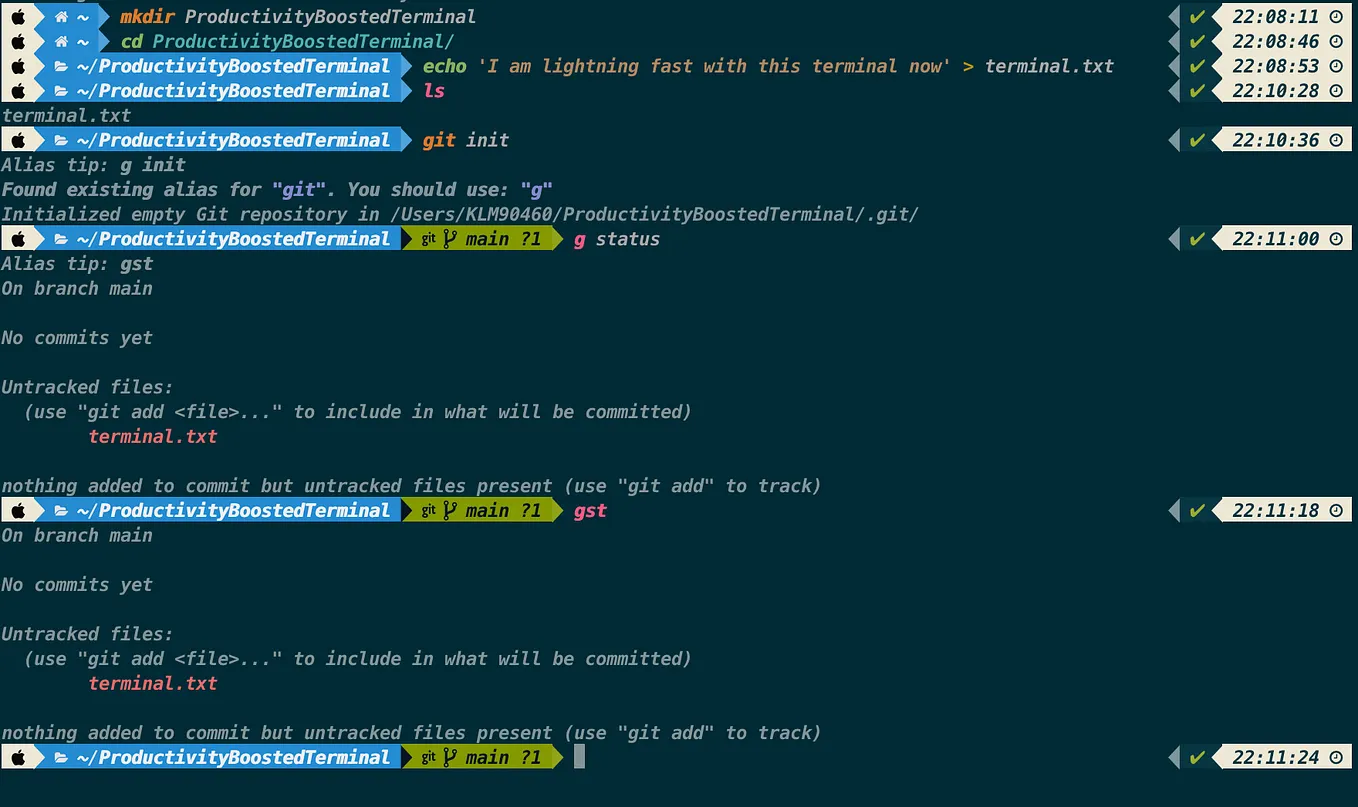
Are you tired of the boring, monochrome terminal on your Mac? Do you want to add some flair and personality to your command-line interface? Look no further than Powerlevel10k, a powerful and highly customizable Zsh theme that can transform your terminal into a visual masterpiece.
In this article, we’ll walk you through the step-by-step process of installing and configuring Powerlevel10k on your macOS system, so you can enjoy a beautiful and functional terminal experience.
A software developer with a high passion for learning, improving skills, and sharing knowledge. My motto is “fail million times if you take lessons every time”