Top 5 Freelancing Websites for Beginners in 2026

Starting freelancing can feel exciting—and a little overwhelming.
You may have a useful skill such as graphic design, writing, video editing, web development, social media management, virtual assistance, or even AI content creation. But then comes the biggest question:
**"Where do I actually find my first client?" **
That’s where freelancing platforms can help.
Instead of spending months trying to build an audience from scratch, you can join an established marketplace where businesses are already looking for people to complete projects.
However, not every platform works in the same way. Some are built around service listings, while others require you to search for projects and send proposals.
Here are five freelancing websites worth considering as a beginner in 2026.
Get Ua’s stories in your inbox
Join Medium for free to get updates from this writer.
## 1. Fiverr — Great for Selling Specific Services
Fiverr is one of the easiest platforms to understand if you’re new to freelancing.
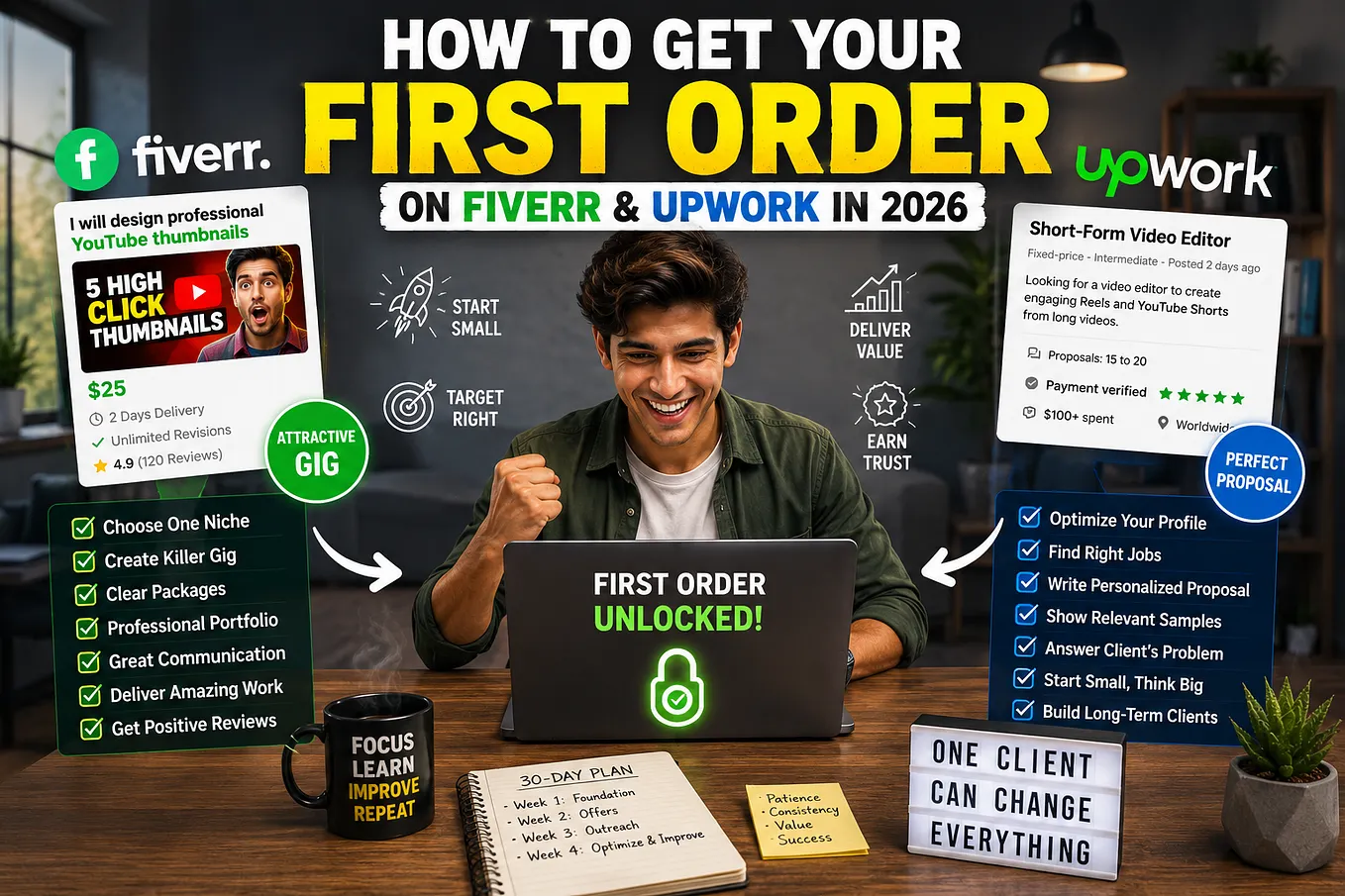
Rather than constantly searching for jobs, you can create a **Gig** describing exactly what you offer. Clients can browse your service, packages, reviews and portfolio before placing an order. Fiverr currently lists categories ranging from graphic design and writing to programming, video, AI services, data and business.
For example, instead of saying:
> "I’m a graphic designer."
you could create a more specific service:
> "I will design 5 professional Instagram posts for your business."
That makes it much easier for a potential client to understand what they’re buying.
### Beginner-friendly Fiverr services
* YouTube thumbnail design
* Logo design
* Short-form video editing
* Blog writing
* AI-assisted content creation
* Social media management
* WordPress services
* Presentation design
* Voice-over work
* Data entry
Fiverr’s own 2026 starter guide recommends focusing on clear service titles, useful descriptions and strong visuals when trying to land your first order.
**Best for:** Beginners who want to package and sell a specific service.
## 2. Upwork — Great for Finding Professional Projects
Upwork works a little differently.
Instead of relying primarily on service listings, freelancers can search through projects and submit proposals to clients.
Upwork says freelancers can create a profile showcasing their skills, portfolio and work history, search for suitable opportunities, submit proposals and build their reputation through successful projects.
This can be especially useful if you want to build longer-term relationships with clients.
Imagine you are a beginner web designer.
You might find a project from a small business that needs a website. You read the requirements, explain how you would approach the project, show relevant samples and submit a proposal.
If the client likes your approach, you can get hired.
Upwork has also expanded its AI-powered marketplace in 2026, including an integration that allows businesses to discover talent through ChatGPT. The company says its marketplace includes more than 18 million professionals, 130 categories and 10,000 skills.
### Good beginner services for Upwork
* Writing
* Web development
* Graphic design
* Virtual assistance
* Customer support
* Video editing
* SEO
* Data analysis
* Social media management
* AI-related services
**Best for:** Freelancers who prefer applying to individual projects and want to develop long-term client relationships.
## 3. Freelancer.com — Lots of Different Project Types
Freelancer.combis another major marketplace where clients post projects and freelancers compete by submitting bids.
The platform supports fixed-price and hourly projects and covers a very wide range of skills. Its current site says freelancers can work across more than 1,800 skill sets.
The basic process is straightforward:
**Find a project → Read the requirements → Submit a bid → Get hired → Complete the work → Get paid. **
Freelancer.com also has contests, which can be interesting for creative freelancers who want to demonstrate their abilities through actual project submissions.
The platform published a beginner guide in August 2026 explaining concepts such as projects, bids, proposals, milestones and portfolios—useful terminology for anyone starting out.
### Beginner-friendly categories
* Logo design
* Website development
* Writing
* Data entry
* SEO
* Virtual assistance
* Mobile app development
* Graphic design
* Video editing
* Digital marketing
One important lesson for beginners is to avoid sending the exact same proposal to every client. Freelancer.com itself recommends writing a bid that shows you understand the specific project.
**Best for:** Beginners who want access to a broad variety of projects and are comfortable submitting bids.
## 4. PeoplePerHour — Good for Smaller Services and Projects
PeoplePerHour is another interesting option, particularly if you want to sell clearly defined services or work on smaller projects.
The platform connects clients with freelancers who can work by the hour or by project. It also offers pre-packaged **Offers**, allowing freelancers to sell specific services at a fixed price.
For example:
> "I will edit a 60-second social media video."
or:
> "I will write a 1,000-word SEO blog post."
This format can be comfortable for beginners because you’re not necessarily trying to sell a huge project immediately.
PeoplePerHour currently features categories including AI services, technology and programming, writing, translation, design, digital marketing, video, social media and business services.
There is one thing beginners should know: PeoplePerHour reviews and approves freelancer applications, so joining is not simply a matter of creating an account and immediately bidding on everything.
**Best for:** Beginners who want to offer defined services and smaller projects.
## 5. Guru — A Flexible Alternative for Beginners
Guru may not be the first platform that comes to mind, but it is worth exploring.
The platform allows freelancers to create profiles, showcase portfolios, search for jobs and send quotes to potential clients. It also offers different payment arrangements, including fixed-price, hourly, task-based and recurring-payment agreements.
That flexibility can be useful once you start working with repeat clients.
Guru also provides **WorkRooms**, where freelancers and clients can communicate, share files, manage work and handle project-related activities.
For beginners, the biggest lesson is the same as on other platforms: your profile and portfolio matter.
You don’t need ten years of professional experience.
You do need to demonstrate that you can actually solve the client’s problem.
### Good services to explore
* Programming
* Writing
* Graphic design
* Digital marketing
* Virtual assistance
* Business services
* Data-related work
* Administrative services
**Best for:** Beginners looking for another established marketplace with flexible project and payment arrangements.
# Which Freelancing Website Should a Beginner Choose?
There isn’t one perfect platform for everyone.
Your choice should depend on how you prefer to find client. | How You Find Work
| **Fiverr** | Specific packaged services | Clients discover your Gigs |
| **Upwork** | Professional projects | Search + proposals
| **Freelancer.com** | Wide variety of projects | Bidding
| **PeoplePerHour** | Smaller services/projects | Offers + proposals
| **Guru** | Flexible freelance work | Job search + quotes |
If I were starting from zero in 2026, I wouldn’t immediately create accounts on all five and hope something happens.
I’d choose **one main platform**, build a strong profile and portfolio, learn how the marketplace works, and consistently apply what I learn.
## How to Get Your First Freelance Client
Here’s something beginners often get wrong.
They spend days choosing a profile picture, changing their bio and watching tutorials—but never actually put themselves in front of clients.
Your first goal isn’t to become a six-figure freelancer.
Your first goal is simply:
**Get one happy client. **
Then get another.
Then another.
Start with a skill you can genuinely deliver. Create three to five strong portfolio samples, even if you have to create sample projects yourself.
For example, if you want to become a social media designer, create sample posts for imaginary businesses.
If you want to become a video editor, create a few before-and-after editing samples.
If you want to become a web developer, build two or three small demo websites.
Then make your profile about the **client’s problem**, not just yourself.
Instead of:
> "I am a hardworking freelancer with many skills."
Try:
> "I help small businesses create professional social-media content that looks consistent and engaging."
That’s a much stronger message.
# Don’t Ignore AI in 2026
There’s another major opportunity for beginners today: **AI-assisted freelancing**.
You don’t necessarily need to become an AI engineer.
You can combine AI with an existing freelance skill.
For example:
**Writing + AI** → AI content specialist
**Design + AI** → AI creative designer
**Video editing + AI** → AI video creator
**Marketing + AI** → AI marketing specialist
**Automation + AI** → AI automation freelancer
The goal isn’t to let AI do everything for you.
The goal is to use AI to work faster while still providing human judgment, creativity, communication and quality control.