Master Plugin Creation with Capacitor in ODC -Part 1

In this series, I’ll cover how to adapt existing Cordova plugins and how to build native Capacitor plugins for ODC. In Part 1, we focus on compatibility and key migration patterns.
Introduction
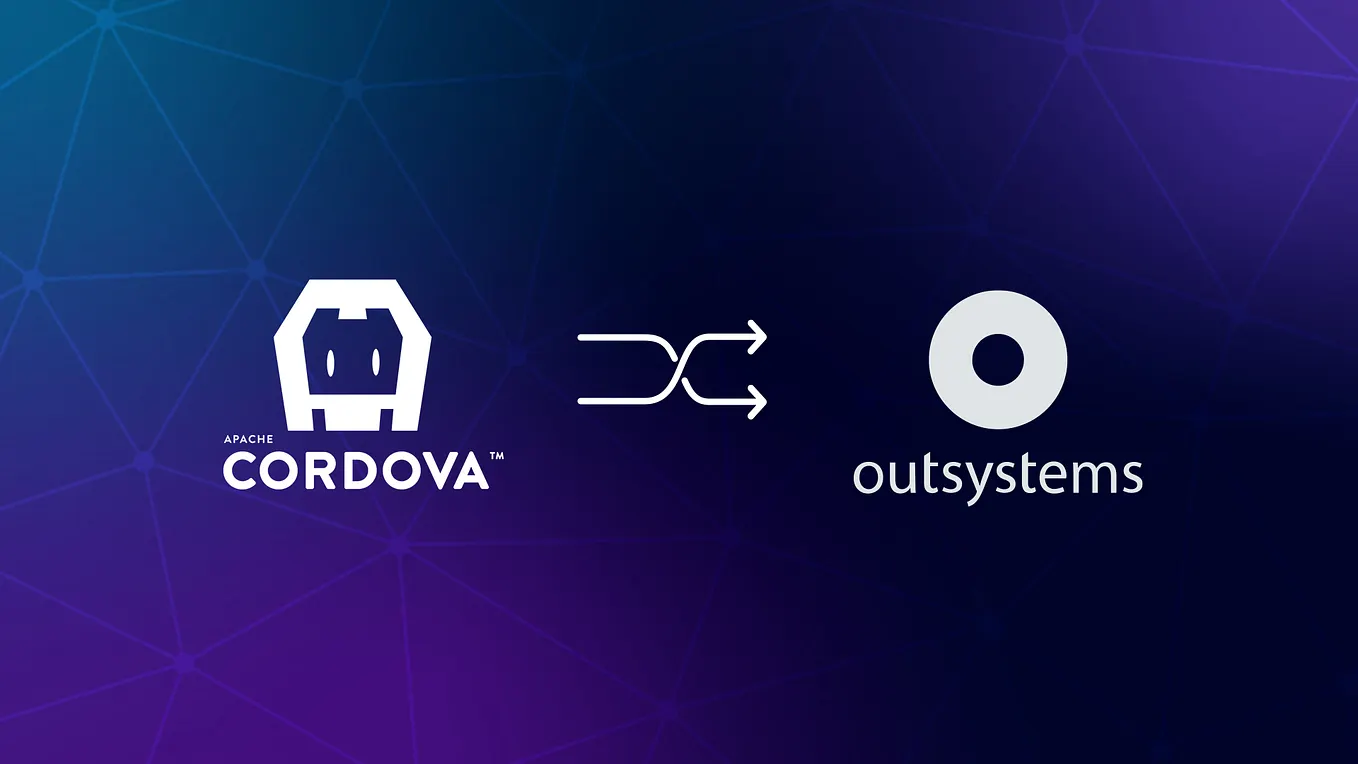
Since 2022, OutSystems has been developing a new cloud-based OutSystems platform: OutSystems Developer Cloud (ODC). During this period, several improvements were introduced to mobile apps — most notably the migration of the mobile build base from Cordova to Capacitor.
This article focuses on migrating (or adapting) existing Cordova plugins to work in ODC when using MABS 12 with Capacitor.
What is Capacitor?
Capacitor is a modern alternative to Cordova, created by the Ionic team. It allows developers to build mobile apps with web technologies while still accessing native features such as push notifications, the camera, and the file system.

One of Capacitor’s strengths is that it doesn’t target only mobile. It also supports Progressive Web Apps (PWAs) and can be used as a foundation for desktop delivery in certain architectures — meaning you can reuse more of your code across platforms.
In 2022, Capacitor/Ionic was acquired by OutSystems with the goal of integrating it into the OutSystems mobile stack. Today, Capacitor and the Ionic Framework are integrated into ODC — specifically through MABS 12.

From MABS 12 onwards, OutSystems can build mobile apps using Cordova or Capacitor.
Capacitor supports many Cordova plugins, but there are limitations — especially around Cordova-specific concepts such as preferences, hooks, and certain plugin.xml configuration patterns.
To address this, you typically have three migration paths:
- Adapt an existing Cordova plugin to work in Capacitor, and ensure the plugin detects which framework is being used.
- Create a native Capacitor plugin that provides the same functionality as the original Cordova plugin.
- Create a dual-stack plugin, with two implementations: one for Cordova and one for Capacitor.
Which option should you choose?
Option 1 is usually the fastest and requires the least effort. A common approach is a phased migration: start with Option 1, then move to Option 2 or Option 3 as needed.
So let’s start with Option 1.
Option 1: Make an existing Cordova Plugin compatible with Capacitor
Capacitor can load Cordova plugins by default, except when the plugin relies on Cordova-specific functionality.
In many cases, the plugin source code (JavaScript/TypeScript, Java/Kotlin, Swift/Objective-C, etc.) requires little or no change. However, it’s still important to review your codebase for Cordova-specific API usage.
The most important file to review is typically plugin.xml, because some elements are not compatible with Capacitor.

plugin.xml: What is compatible?
Capacitor supports several plugin.xml elements, including:
- js-module block (where you define your clobbers that you will use to access Cordova plugin methods in OutSystems JavaScript blocks)
- Tags for defining native source code and dependencies: source-file, header-file, resource-file, lib-file, framework, podspec
- feature entries inside config-file block
- Limited support for config-file and edit-config (changes for the Android platform, and exclusively for AndroidManifest.xml)
- dependency (declaring other Cordova plugins your plugin depends on)
plugin.xml: What is NOT compatible?
Common incompatible elements include:
- preference (setting plugin variables, be it globally or per platform)
- hooks (scripts executed during the Cordova lifecycle)
- Most changes that use the config-file or edit-config. For instance, changes to Info.plist on iOS in plugin.xml are not directly supported by Capacitor.
- Cordova-specific references in JavaScript/native code
If your plugin uses any of these patterns, you will need migration work to support Capacitor.
Let’s check how to solve this non-compatible elements.
Handling Incompatibilities
- preferences
<preference name="MY_CUSTOM_STRING" default="default-value" />
<config-file target="./res/values/strings.xml" parent="/resources">
   <string name="custom">$MY_CUSTOM_STRING</string>
</config-file>
In MABS 11, you can override these preferences in the ODC Library and App Extensibility configs.
Get Paulo Solipa’s stories in your inbox
Join Medium for free to get updates from this writer.
In Capacitor-based builds (MABS 12), the preference value cannot be overridden in the same way, and the default value is typically used. To make these values configurable, use the new Extensibility Schema in ODC Studio, allowing developers to customize settings without modifying the app extensibility manually.
- hooks
Cordova hooks allow plugin developers to perform custom actions that aren’t possible through plugin.xml alone — such as editing platform files during build time.
For example, if you have this hook to set the android:requestLegacyExternalStorage attribute to true in the <application> tag of the app’s AndroidManifest.xml to ensure expected storage behaviour in specific Android versions, mainly Android 10, in Cordova you will use a script similar to this one.
const et = require('./elementtree');
const path = require('path');
const fs = require('fs');

module.exports = function (context) {
   var projectRoot = context.opts.cordova.project ? context.opts.cordova.project.root : context.opts.projectRoot;

   var manifestPath = path.join(projectRoot, 'platforms/android/app/src/main/AndroidManifest.xml');
   var manifestFile = fs.readFileSync(manifestPath).toString();
   var etreeManifest = et.parse(manifestFile);

   var dataTags = etreeManifest.findall('./application');
   dataTags[0].set("android:requestLegacyExternalStorage", "true");

   var resultXmlManifest = etreeManifest.write();
   fs.writeFileSync(manifestPath, resultXmlManifest);

};
MABS 12 introduces Build Actions, allowing native customizations through a JSON file (with minimal code).
There are several build actions available in MABS 12. If you want to learn more about this syntax for the build actions, I suggest you can go to trapeze.dev, which is a project by the ionic company where these OutSystems build actions are based on.
Build Actions JSON equivalent:
{
  "platforms": {
    "android": {
      "manifest": [
        {
          "file": "AndroidManifest.xml",
          "target": "manifest/application",
          "attrs": {
            "android:requestLegacyExternalStorage": "true"
          }
        }
      ]
    }
  }
}
This targets Android’s AndroidManifest.xml, selects manifest/application, and adds android:requestLegacyExternalStorage=”true”, achieving the same result without Cordova hooks.
If you want to learn the syntax in more detail, check the OutSystems documentation about build actions.
- config-file for iOS Info.plist
<config-file target="*-Info.plist" parent="NSCameraUsageDescription">
  <string>This app requires access to camera to scan barcodes.</string>
</config-file>
As I said before, most config-file declarations in Cordova’s plugin.xml will not work out-of-the-box in Capacitor. Depending on the change, there are different ways you can migrate, using new features introduced in MABS 12.
If you have a usage description for the Info.plist file on iOS similar to the snippet above, you can use MABS 12 Extensibility Configurations, leveraging ODC’s extensibility settings.
Extensibility Configurations equivalent:
{
   "plugin": {
       "variables": [{
           "name": "CAMERA_USAGE_DESCRIPTION",
           "value": $extensibilitySettings.CameraUsageDescription
       }]
   },
   "pluginConfigurations": {
       "permissions": {
           "ios": {
               "NSCameraUsageDescription": {
                   "description": $extensibilitySettings.CameraUsageDescription
               }
           }
       }
   }
}
The plugin.variables block can be used if you also need backward compatibility with a Cordova preference (older schema).
- The pluginConfigurations.permissions.ios block uses the new extensibility schema and ties the permission description to an extensibility setting.
- config-file for Android strings.xml
<config-file target="./res/values/strings.xml" parent="/resources">
   <string name="custom">Custom String</string>
</config-file>
In these cases, when you need to change some android files or even some ios files the same principle that we used in the hooks section is valid; you can use build actions with a JSON file.
build actions equivalent:
{
  "platforms": {
    "android": {
      "xml": [
        {
          "resFile": "values/strings.xml",
          "target": "resources",
          "merge": "<string name=\"custom\">Custom String</string>\n"
        }
      ]
    }
  }
}
This targets values/strings.xml, selects the resources node, and merges the desired content into the existing XML.
- Cordova-specific references
In a MABS 12 build using Capacitor, the Cordova framework won’t be available. As a result, any Cordova-specific API usage in your plugin (or in your OutSystems JavaScript blocks) may need refactoring.
You will need to review:
- JavaScript blocks in the OutSystems plugin
- Cordova plugin’s own JavaScript (if applicable)
Here are some common examples:
typeof(cordova) !== “undefined”This first example is related to a dual-stack plugin. If you have a check similar to this one, and because Cordova might not be the framework you are using to build the mobile app, you should use:
if (typeof(Capacitor) !== 'undefined') {
 // Capacitor app - use Capacitor Plugin
 Capacitor.Plugins.<PLUGIN>.<METHOD>
} else {
 // otherwise - use Cordova Plugin
 cordova.plugins.<PLUGIN>.<METHOD>
}
In this snippet, you will check if the capacitor framework is available and if it is you will use the Capacitor Plugin from the dual-stack plugin. Otherwise, it will fallback to the Cordova Plugin.
let platform = cordova.platformIdIn this second example, we are using a Cordova specific API to get the platform (Android, iOS or other) that the app is currently running.
In a Capacitor setting, you should use:
let platform = Capacitor.getPlatform();
if (!platform) {
   platform = cordova.platformId;
}
In this snippet, we use the Capacitor.getPlatform() method and if that is not available it will fallback to the Cordova method.
For some of the checks, you can use the official Common Plugin in ODC (version 1.1.0 is compatible with both Cordova and Capacitor):
- GetNativeMobileFramework — Returns “Capacitor”, “Cordova”, or “None”
- GetOperatingSystem — Returns “Android”, “iOS”, or “Other”.

Conclusion
With MABS 12 and the features introduced by OutSystems — especially build actions and the new extensibility schema — customising your mobile app build has never been easier.
In Part 2, we’ll apply these concepts to a real-world example: migrating a Cordova plugin to Capacitor in practice.