


Long time user first time poster.
I'm basically trying to get a really simple solution to try and save us some time. I frequently build & Rebuild multiple MSI files each day and even though Templates are good, still it's still not as fast as I want it to be. So I've been playing with Command Line options to try and semi-automate it.
I'm using a BAT File to call a project with all the constant settings enabled but no files added. I've got an .ini files for the commands that need to be for each new instance of the installer. (Adding files & Setting the package name) See below.
Code: Select all
;aic
AddFolder APPDIR\ C:\Packaging\Spatial
Rebuild
1. When I rebuild the same package and try to install I get the error
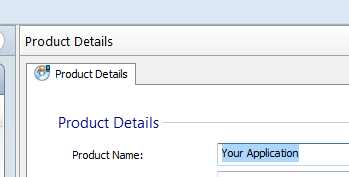
2. I'm having trouble setting the name of the package through the command line. I've looked at /SetPackageName however it seems to be this is only for overwriting current built packages.Another version of this product is already installed installation of this version cannot continue to configure....etc.etc
If someone could give me a hand on these two small issues It would be greatly appreciated.


FOLLOW US
Get the latest news in Application Packaging