


Physical Path Credentials Dialog
In this dialog you can set physical path credentials for your IIS Web Site or Virtual Directory.
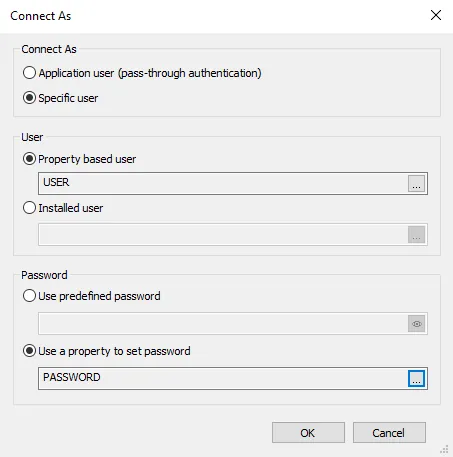

Connect As
Application user (pass-through authentication)
Connect as the application user (pass-through authentication).
Specific User
Specify a user to connect as.
User
Property based user
Use a property based user. Click on the button to select a property.
Installed user
Use an installed user. Click on the button to select an account.
Password
Use predefined password
Specify a password.
Use a property to set password
Use a password from a property. Click on the button to select a property.